PrintableToolkit Notes
Why PrintableToolkit starts with a printable World Cup schedule
A practical guide to using a printable World Cup 2026 schedule: time zones, team filters, PDF printing, CSV editing, calendar reminders, brackets, and watch planning.
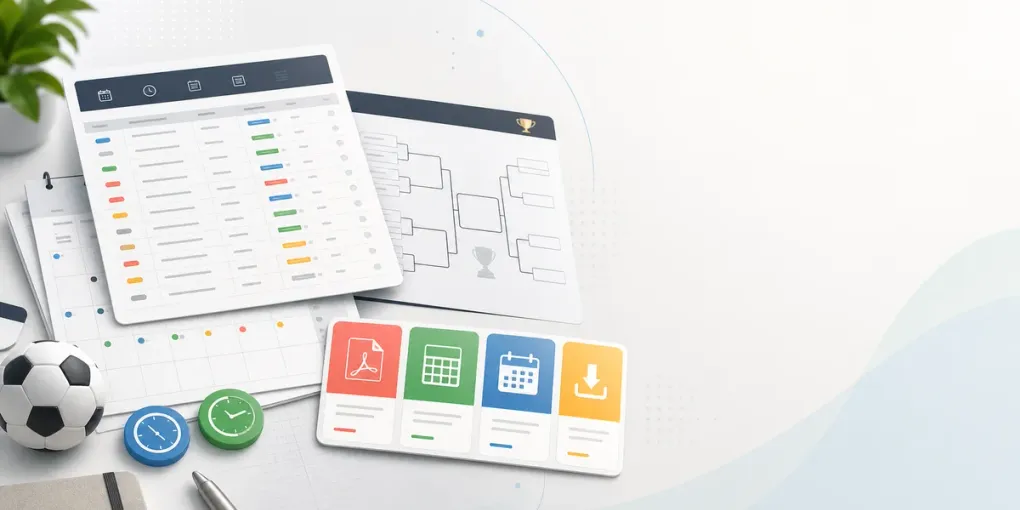
PrintableToolkit starts with a printable World Cup schedule because the 2026 tournament is exactly the kind of event where a normal web page is not enough. The competition spans Canada, Mexico, and the United States, uses a 48-team format, and has 104 matches from the opener to the final. That is too much information to keep in your head and too important to bury inside a tab you will forget to reopen.
The job is not simply “show the schedule.” A useful schedule has to answer practical questions:
- Which matches are on today in my time zone?
- Which games involve my team or group?
- Which knockout placeholders should I leave blank until the group stage finishes?
- What should I print for a wall, classroom, office, bar, or family watch plan?
- When should I use a PDF, a spreadsheet, or a calendar reminder?
That is the reason the first PrintableToolkit workflow is built around the World Cup 2026 printable schedule PDF. It turns the full fixture list into something you can filter, export, and print without rebuilding a table by hand.
The 2026 format makes printable planning useful
The expanded format changes how fans need to plan. Instead of 32 teams and a familiar Round of 16 entry point, the 2026 tournament has 12 groups of four. The top two teams in each group advance, joined by the eight best third-place teams, creating a Round of 32 before the Round of 16.
That matters for printing. A simple one-page bracket is not enough before the group stage is complete, because many knockout slots depend on group position and third-place ranking. A better setup is to keep two documents:
- a match-by-match schedule for dates, kickoff times, venues, TV notes, and reminders
- a printable bracket for advancement paths, predictions, and scores
If you are tracking standings during the group stage, add the printable groups page beside the bracket. It gives you a cleaner place to write points, goal difference, notes, and which teams are likely to qualify.
Use the schedule differently depending on the job
The best printable version depends on who will use it. A fan watching one team does not need the same sheet as a teacher running a classroom prediction game or a pub manager planning screens.
Use the full schedule PDF when you want the whole tournament in one reference. This is the version to keep near a desk, in a binder, on a noticeboard, or in a shared planning folder.
Use the Pacific Time schedule if your planning happens on the U.S. West Coast. It removes one of the easiest mistakes in tournament planning: copying a kickoff time in the wrong zone.
Use the TV schedule when the real question is not only “when is the match?” but “where will we watch it?” This is especially useful for households, offices, bars, hotels, student groups, and anyone coordinating multiple screens.
A good printable schedule workflow
Start by choosing the time zone where the printed page will be used. Do not choose the time zone of the tournament host city unless that is where the reader is. A printed sheet on a kitchen wall, office door, or bar counter should match the people standing in front of it.
Next, filter the table to the smallest useful set of matches:
- choose one team for a fan-focused sheet
- choose one stage for group-stage or knockout planning
- keep all matches for a master reference
- print the bracket separately when the goal is prediction or advancement
Then decide what format to keep:
- PDF is best for printing, sharing, and posting on a wall.
- CSV is best when you want to add columns such as score prediction, watch location, screen assignment, food plan, travel note, or staff owner.
- ICS is best when reminders matter more than paper, especially for must-watch matches.
Many people should keep more than one version. For example, print the PDF for the wall, export CSV for edits, and download the calendar file for the few matches you absolutely cannot miss.
When to reprint
Do not treat the first printout as the final one. Tournament plans change as the group stage develops.
Reprint after these moments:
- before the opening match, for a clean master schedule
- after your team finishes each group match, if you are tracking qualification paths
- after the group stage, once Round of 32 participants are known
- before the quarter-finals, when the bracket becomes easier to read at a glance
- before the final weekend, if you are sharing a watch plan with other people
The point of a printable tool is not to freeze the tournament forever. It is to give you a clean working copy for the next decision.
Source note
PrintableToolkit is built for personal planning, printing, and exports. For official match status, final kickoff changes, venue details, and regulations, always confirm against FIFA’s match schedule, group qualification rules, and host cities.
That is the product philosophy behind PrintableToolkit: turn a busy real-world schedule into the smallest useful page, then let users move between paper, spreadsheet, and calendar without copying the same dates three times.