Free Printable PDF Tools
Free Printable PDF Generator Customize, preview & download print-ready PDFs
Create custom worksheets, planners, and calendars right in your browser. 100% free, no sign-up, and no watermarks.
Free printable PDF tools built for parents, teachers, homeschoolers and anyone who still likes paper.
The most-used free printable PDF tools
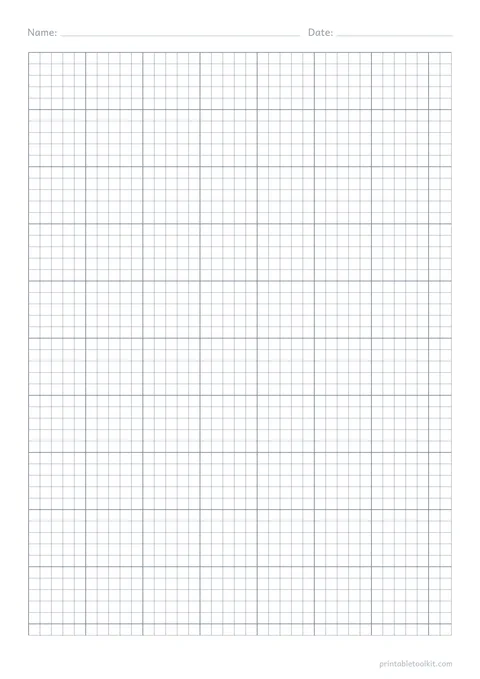
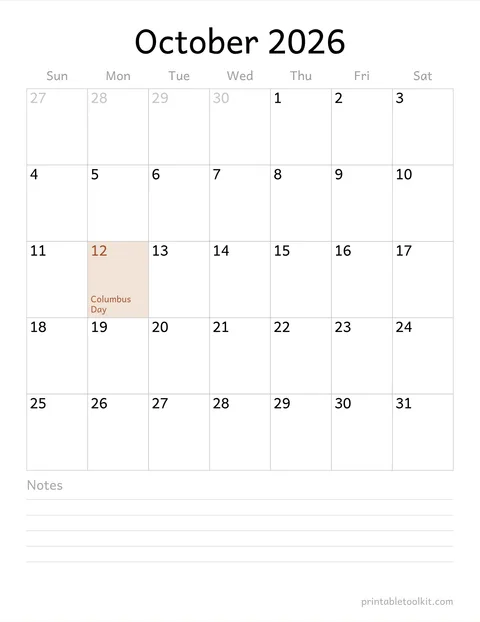
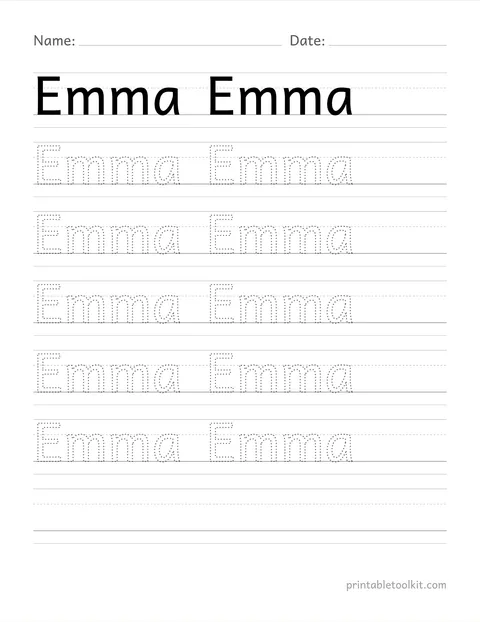
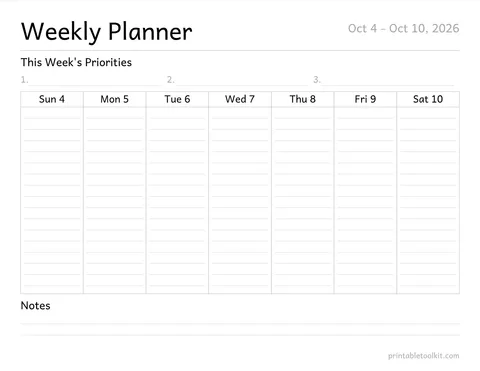
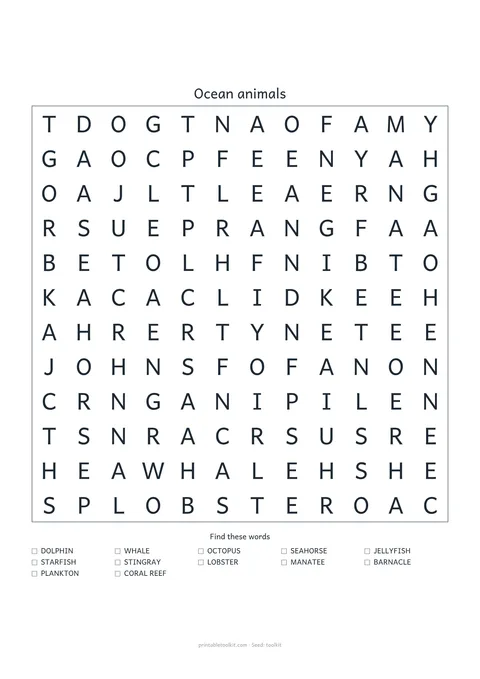
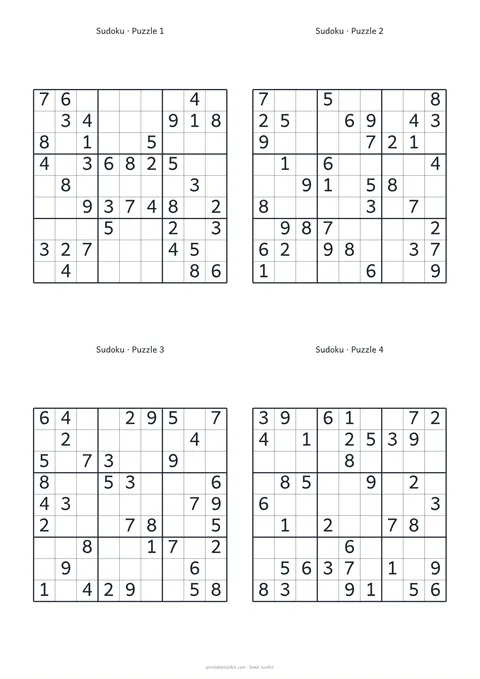
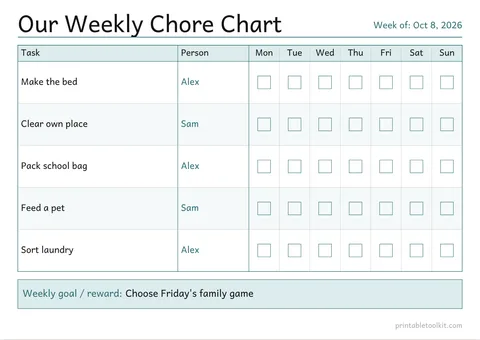
Each card shows the page you get with the default settings — open one and change anything you like.
Browse every free printable PDF tool by category
Each category is a printable PDF generator you configure yourself — worksheets, planners, calendars, format paper and more. Pick the free printable PDF tool that matches the job in front of you.
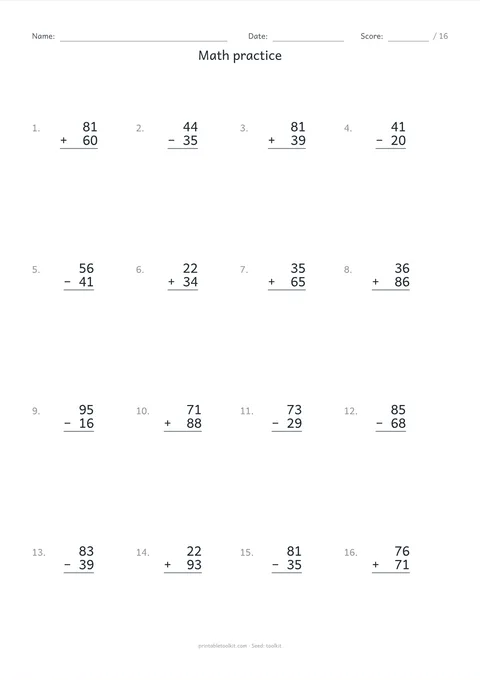
- Printable worksheet generators Name tracing, handwriting, alphabet and number practice, plus math worksheets with answer keys. Choose the grade, skill and difficulty, then print a fresh set whenever you need one.
- Printable planner templates Daily, weekly and monthly planner pages with hour ranges, habit rows, meal slots and note blocks you can switch on or off. Sized for A4, US Letter and A5 binders.
- Printable calendar generators Any month or year, Sunday or Monday start, holidays, week numbers and a notes column. Generate a single wall page or a full twelve-month set.
- Printable paper generators Graph, lined, dot grid, Cornell notes and handwriting paper with millimetre-level control over spacing, line weight and margins. Vector output, so the grid stays exact.
- Printable puzzle makers Word searches, mazes, bingo cards, crosswords and sudoku built from your own word list or a difficulty setting. Answer pages are generated alongside every puzzle.
- Printable checklist templates Grouped to-do lists, cleaning routines and packing lists you can reorder, rename and save locally. Export to PDF, or to CSV when you want the data elsewhere.
- Budget and finance printables Monthly budget sheets, bill trackers, expense logs, savings challenges and debt payoff pages. Record-keeping layouts only — we do not give financial advice.
- Family chart printables Chore charts, reward charts, routine cards and first-day-of-school signs. Set the names and tasks yourself; nothing about your household is sent anywhere.
- Wellness and habit printables Habit trackers, mood logs, workout records and low-clutter planning pages. These are self-tracking layouts, not diagnostic or treatment tools.
- Printable coloring pages Original coloring artwork sorted by age and theme, plus a colour-by-number generator that works from artwork you already have the right to use.
- Wedding planning printables Countdown checklists that calculate real dates from your wedding day, plus budget, guest and vendor pages you can export as PDF or CSV.
- Printable ring sizer Measure a finger or an existing ring with an actual-size A4 or Letter PDF, US/UK/EU conversions, millimetre diameters and physical print checks.
- Printable gift certificate maker Create an original gift certificate with business, giver, recipient, value or service, number, expiry and terms. Export PDF or PNG with one, two or four certificates per sheet.
- Printing guide How to print at actual size, what Fit to page silently changes, and a calibration sheet with a one-inch and five-centimetre box you can measure with a ruler.
What makes these free printable PDF tools different
Most search results for printables are folders of fixed files. These generators are different, and that difference shows up the moment your needs do not match the template.
Printable PDF tools that bend to your page, not the other way round
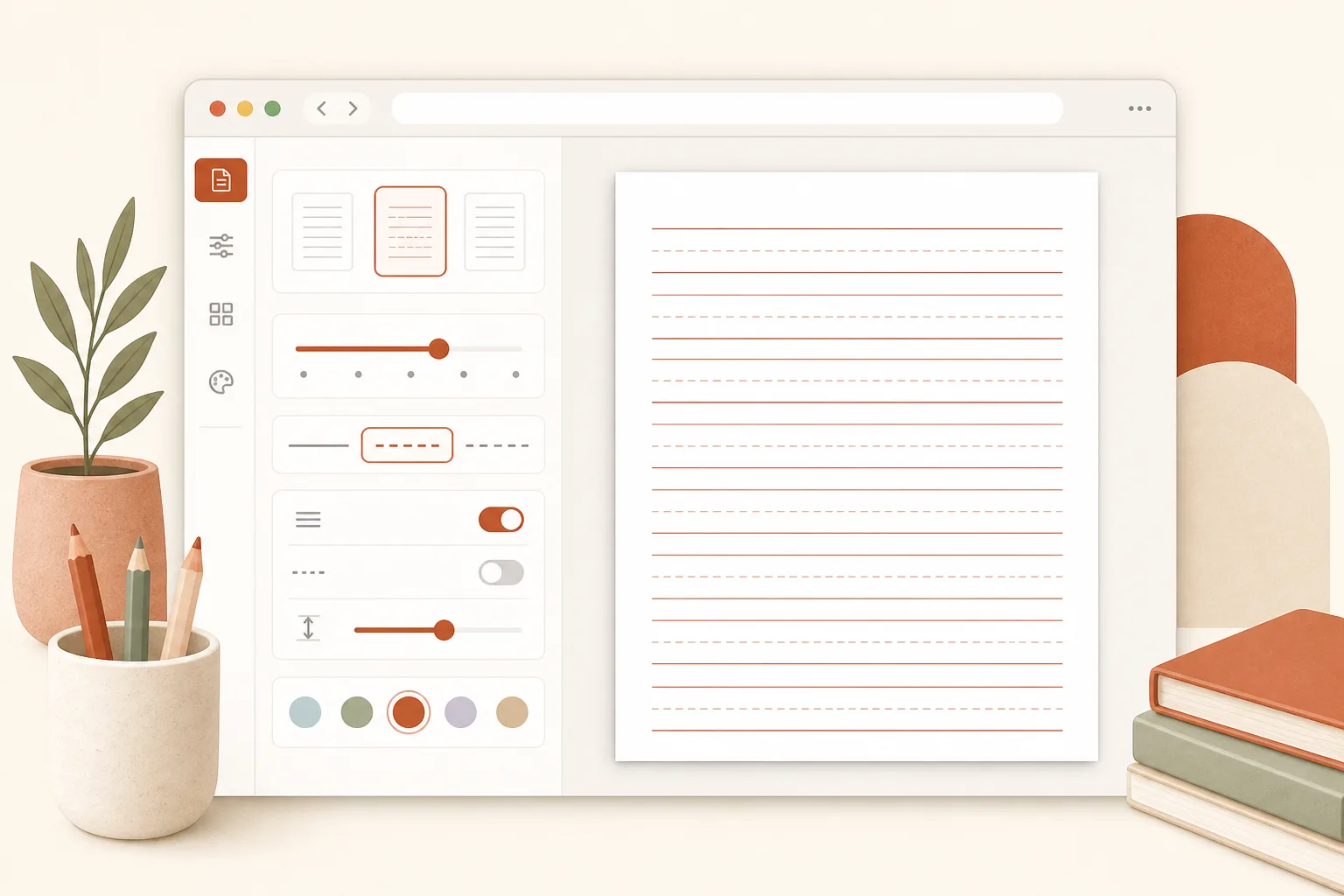
A fixed download gives you one line height, one paper size and one layout. With these generators you set the spacing, the paper, the orientation and which blocks appear, and the page redraws as you type. When a child needs bigger letters or a binder needs A5, you change a number instead of hunting for a different file.
Printable PDF tools that hold their size on real paper
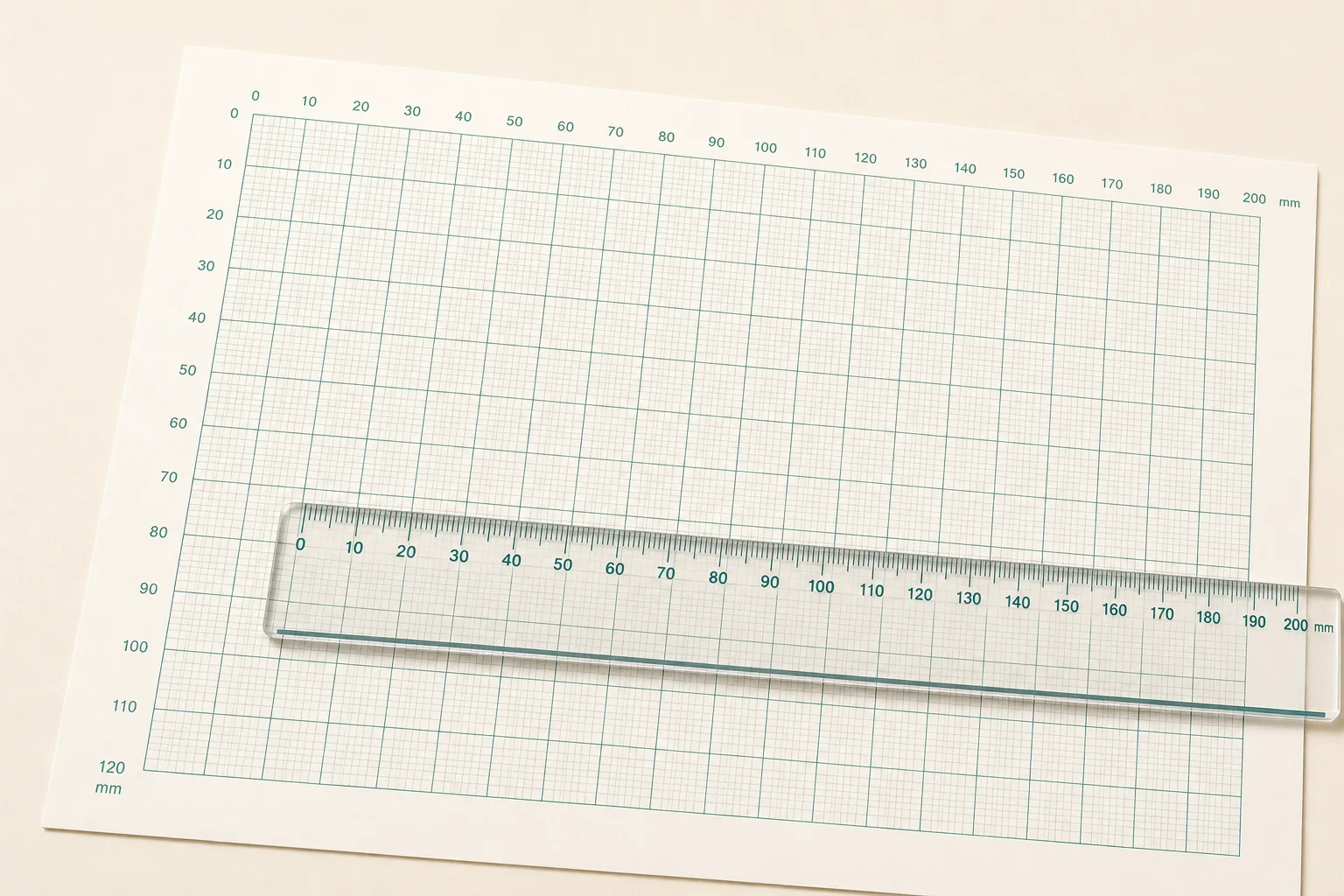
Graph paper, ruled lines and tracing guides are only useful if five millimetres really measures five millimetres. Every generated page uses vector geometry at an exact paper size, so a square stays square whether you print A4 in Berlin or US Letter in Ohio. Print at 100%, not Fit to page, and a ruler will agree with the screen.
How every free printable PDF tool works in three steps
The flow is the same across all generators on this site, so learning one teaches you how to use all of them.
-
Pick a free printable PDF tool and set your options
Open a generator and fill in what you need — a name, a word list, a month, a line spacing. Sensible defaults are already in place, so you can also change nothing and get a usable page.
- No account or email required
- Defaults are ready to print as-is
-
Check the live preview before you spend paper
The preview is drawn from the same geometry as the finished PDF, so what you see really is what prints. Catch a typo, a cramped line or a name that runs off the page while it still costs nothing to fix.
Preview and PDF share one rendering core, so they cannot drift apart.
-
Download the print-ready PDF and print at 100%
You get a real file — email it to a class, keep it on a tablet, or print it now. In the print dialog choose Actual size or 100% rather than Fit to page, which quietly shrinks the page by a few percent.
If precise measurements matter, print the calibration sheet in the printing guide first and check it with a ruler.
Read the printing guide
How we build and test these free printable PDF tools
A new site has no reputation to lean on, so here is exactly how these generators are made and what we do not do.
Measured on paper, not just on screen
Anything that claims a size — grid spacing, letter height, a ring sizer — is printed and checked against a ruler before it ships. Screen previews are convincing and frequently wrong.
Vector PDFs, not screenshots
Pages are drawn as vector geometry, so lines stay crisp at any zoom, files stay small, and nothing turns fuzzy when a school printer decides to scale it.
Your text never leaves the browser
Names, word lists and amounts are turned into a PDF by JavaScript on your own device. There is no upload step, which matters most for the free printable PDF tools where children's names get typed in.
Openly licensed fonts and original artwork
Handwriting fonts are used under the SIL Open Font License. We do not publish coloring pages or worksheets built on cartoon, film or game characters we have no rights to.
Mistakes get fixed, not buried
If a puzzle has no solution, an answer key is wrong or a page prints at the wrong scale, tell us and it gets corrected. Every tool page carries a feedback link for exactly this.
We say what these tools are not
Budget and wellness pages are for recording and planning. They are not financial advice, and not diagnosis or treatment. Where a topic needs professional review, it waits until it has it.
Free printable PDF tools: questions people ask
Answers about cost, printable types, print quality, privacy and classroom use — based on what parents, teachers and homeschoolers actually search for.
Are these free printable PDF tools really free?
Yes. Every free printable PDF tool on this site works without an account, without an email wall and without a cap on how many pages you create. There are no hidden fees, no premium tiers and no watermark stamped across the PDF.
Do I need to sign up or install anything?
No. All free printable PDF tools run in an ordinary browser tab on a laptop, tablet or phone. There is nothing to install, nothing to log into and no app store download.
What kinds of free printable PDF tools can I make?
The site covers printable worksheet generators (name tracing, handwriting, math with answer keys), planner and calendar templates, graph and lined paper, puzzles with answer pages, checklists, budget sheets, family charts, wellness trackers, coloring pages and wedding planning printables. Each is a generator you configure, not a single fixed file.
Can I download a print-ready PDF?
Yes. Every free printable PDF tool exports a real PDF file you can save, email or print. The output is formatted for standard paper sizes — choose A4 or US Letter before you download, then print at Actual size or 100% for exact dimensions.
What paper sizes do the printable tools support?
A4 and US Letter on every tool, plus A5 on the planner and paper generators for binder inserts. You can switch between portrait and landscape on the tools where it makes sense.
Do the worksheet and puzzle tools include answer keys?
Yes, where answers exist. Math worksheets and puzzles such as word searches, crosswords and sudoku can generate a separate answer page alongside the student sheet. Toggle the option before you download.
Why does my printout come out slightly smaller than expected?
Almost always because the print dialog is set to Fit to page or Shrink oversized pages, which scales the sheet down by a few percent to clear the printer's unprintable margin. Choose Actual size or 100% instead. The printing guide walks through this for Chrome, Safari, Edge and Adobe Reader.
Is anything I type uploaded to a server?
No. The text you enter is turned into a PDF by code running on your own device, and it is not sent anywhere. That design choice exists because these free printable PDF tools are often used with children's names and household details.
Can I use the printed pages in my classroom or homeschool?
Yes. Personal, classroom and homeschool use — including photocopying for your own students — is fine. Reselling the generated pages or repackaging them as your own printable product is not.
How are these free printable PDF tools different from fixed PDF downloads?
A fixed PDF gives you one layout. These free printable PDF tools are online generators: you set the names, spacing, paper size and difficulty, preview the page live, then download a fresh PDF in seconds. When a student needs bigger letters or a different month, you change a setting instead of searching for another file.
Can I edit the PDF after downloading it?
The pages are vector PDFs, so they open cleanly in design software if you want to adjust them. It is usually faster to change the setting in the free printable PDF tool and generate a new one — it takes a couple of seconds.
How do I report a mistake in a generated page?
Use the feedback link on any tool page. It pre-fills the page address and your browser details so the problem can be reproduced, and it does not attach whatever you typed into the generator.
Still stuck on something?
Pick a free printable PDF tool and make your page
Nothing to install, nothing to sign up for, and no watermark on the way out.
Start with the name tracing worksheet generator, or browse the full set of free printable PDF tools by category.
Every free printable PDF tool here runs in your browser. Nothing you type is uploaded.