Your word list or a real theme
Paste up to forty words in the word search maker, or load a hand-written theme list. Two-word entries sit in the grid cleanly.
Word Search Maker
Paste any word list or start from a themed word bank, choose grid size, difficulty and directions, then download a printable PDF puzzle from this word search maker.
100% free, no sign-up, and every word you type stays inside your own browser.
Everything below updates live. The grid, word list and answer page rebuild every time you change a setting.
One word per line, or separate them with commas. 12 of 40 words in use. Spaces and hyphens are removed inside the grid but kept in the printed word list.
Each theme is a hand-written vocabulary list, not a random dictionary dump. Load one and edit it freely.
12 × 12 grid with diagonals. The classic classroom word search.
Bigger grids mean smaller letters. For large print, stay at 12 × 12 or below and use fewer words.
Andika, a letterform drawn for early readers, with an unmistakable I, l and 1.
The seed is printed in the page footer. Type it back into this generator to get the identical puzzle.
Loading letterforms…
Your word list is turned into a puzzle inside your browser and is never uploaded. How to print at actual size (100%)
Most tools drop your words into a grid and fill the gaps with noise. This generator reads the finished grid back to ensure uniqueness.
Random filler letters can accidentally spell your words. After building the grid, the generator scans all eight directions to ensure the answer key is 100% accurate.
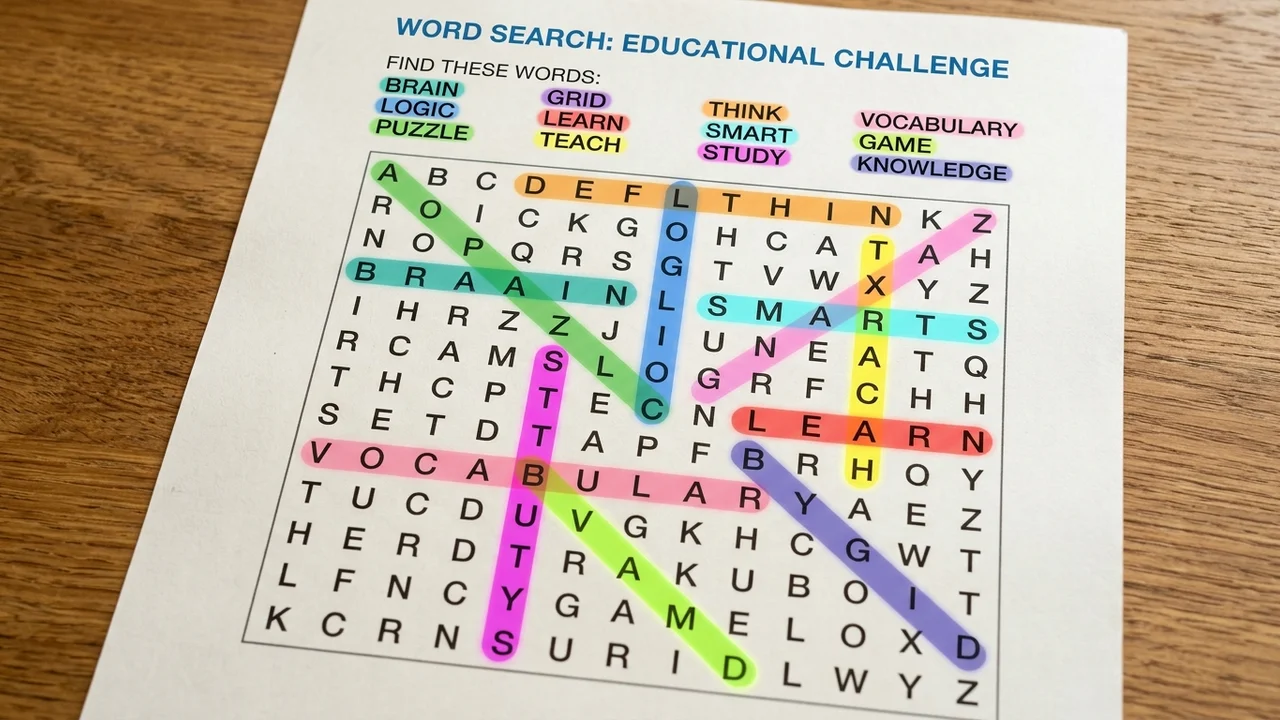
Thirty children, one spelling list. Raise the puzzle count and the generator builds up to twelve genuinely different grids from the same words.
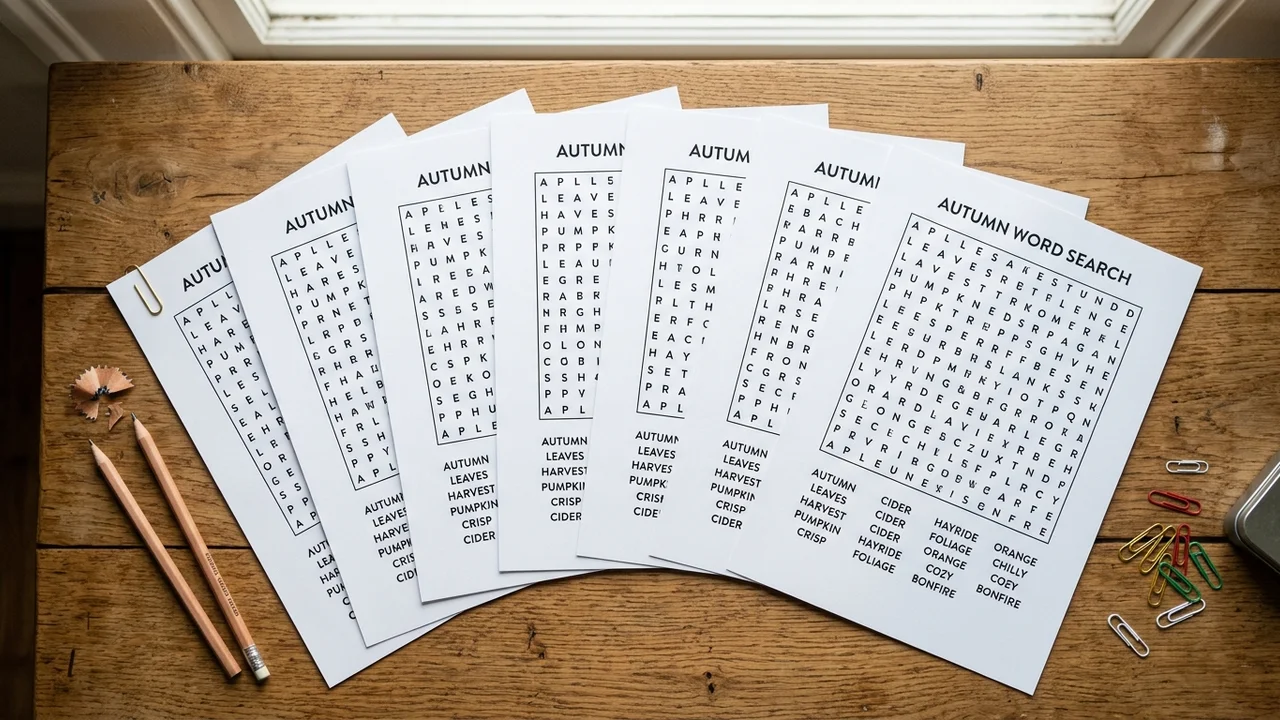
Everything this free word search maker does exists because a classroom or care home needed it.
Paste up to forty words in the word search maker, or load a hand-written theme list. Two-word entries sit in the grid cleanly.
Answers land on their own page at the end of the PDF, not on the back of the puzzle, so you can hand out the sheets and keep the key.
Anything from a gentle 7 × 7 up to a 25 × 25 monster, with diagonals and backwards words switched on or off independently.
Match the letters to whatever the child reads at school. Cursive turns the puzzle into handwriting recognition practice; lowercase suits early readers who have not met capitals yet.
Every puzzle carries a short seed. Type it back into the word search maker and the same grid returns letter for letter.
A4, Letter, A5 or Legal, portrait or landscape. The PDF is vector, so letters stay sharp at any printer resolution and hold their size when you print at 100%.
From an empty box to a printed puzzle with this word search maker in well under a minute.
Paste words or pick a theme in this word search maker. Spelling lists, topic vocabulary, or party names all work.
Set grid size and difficulty in the word search maker. Diagonals roughly double search effort; backwards words double it again.
Any manual change moves the difficulty label to Custom — the presets are a starting point, not a lock.
Choose answers and page count in the word search maker. Keep the answer key for yourself and print uppercase or lowercase.
Hiding the word list turns an ordinary word search into a much harder recall exercise.
In the print dialog choose Actual size or 100% rather than Fit to page, so the grid keeps the proportions you set. Puzzle pages come first in the PDF and every answer page follows at the end.
Read the printing guideWord limits, phrases, answer keys, large print and classroom use.
Yes, completely. This free word search maker requires no account, no email wall, no watermark and no export limit.
Up to forty. In practice, ten to twenty words suit a 15 × 15 grid and six to ten suit a 9 × 9.
Yes. Spaces, hyphens and apostrophes are removed for the grid itself, so ice cream is hidden as ICECREAM, but the printed word list still shows ice cream exactly as you typed it. That is the standard behaviour solvers expect.
Yes, and it verifies it. Each answer page repeats the grid with the hidden words highlighted or circled and the remaining letters faded back. Answer pages sit at the end of the PDF so you can print everything at once and still hand out only the puzzles.
Three settings control the difficulty: grid size, diagonal words and backwards words. Easy uses a 9 × 9 grid with words running only across and down; Expert uses 20 × 20 with all eight directions. Turning the word list off is the single biggest jump in difficulty.
Yes. Letter size is derived from the grid, so a smaller grid gives bigger letters: choose a 9 × 9 or 10 × 10 grid, keep to eight or ten words, switch diagonals and backwards words off, and print on A4 or Letter. That combination produces the gentle, easy-to-read sheets used in care homes and memory groups.
Yes. Words with ä, ö, ü, ß, é, ñ, ç or ã work, and the filler letters are drawn from the letters in your own list.
Yes. Every sheet prints a short seed in the footer. Type that seed back in with the same word list and settings and you get the identical grid, letter for letter. That is how you reprint a lost worksheet or reuse last year's set.
PDF for printing: it is vector, holds its exact page size and contains every puzzle and answer page in one file. PNG for a single page you want to drop into a slide, a newsletter or a tablet note-taking app.
Usually because one word on your list is hidden inside another — CAT sits inside SCATTER wherever SCATTER appears. Filler letters can be re-rolled, but letters belonging to your own words cannot, so the tool warns you and leaves the choice to you.
Yes — print and photocopy them freely for your pupils, residents or guests. Reselling the generated PDFs, or packaging them into printable products for commercial resale, is not permitted.
Something not working as expected?
Paste a word list, pick a grid size, and print a puzzle with the answer page behind it.
The whole word search maker runs in your browser — no account, no watermark, no upload.
Free • No sign-up • Answer key included