For exact-size templates
Choose Actual size, 100%, or Custom scale: 100%. This is the correct setting for graph paper, ring sizers, rulers, planner inserts and sewing patterns.
How to Print PDF Actual Size
This practical guide shows how to print PDF actual size without unwanted shrinking. Match A4, US Letter or A5, choose Actual size instead of Fit, and check the result with a free 1-inch and 5-cm calibration PDF.
Free A4 and US Letter test pages • No sign-up • Vector PDF with exact physical measurements
Choose Actual size, 100%, or Custom scale: 100%. This is the correct setting for graph paper, ring sizers, rulers, planner inserts and sewing patterns.
Fit is safe when keeping every word on the sheet matters more than physical dimensions. It may enlarge or shrink the PDF to the printer's usable area.
Load the same paper size named in the PDF. A4 and US Letter are not interchangeable; 100% preserves size but may crop a mismatched page.
The file can be perfectly dimensioned and still print wrong. The print dialog, paper tray and printer driver all affect the final scale.
Actual size means no scaling: one inch in the PDF should be one inch on paper. Fit means the viewer may change the scale so the entire page fits inside the printer's non-printable margins. That small reduction is enough to spoil graph spacing, ring measurements and punched planner layouts. If you need to know how to print PDF actual size, start by turning Fit, Shrink and Scale to fit off.
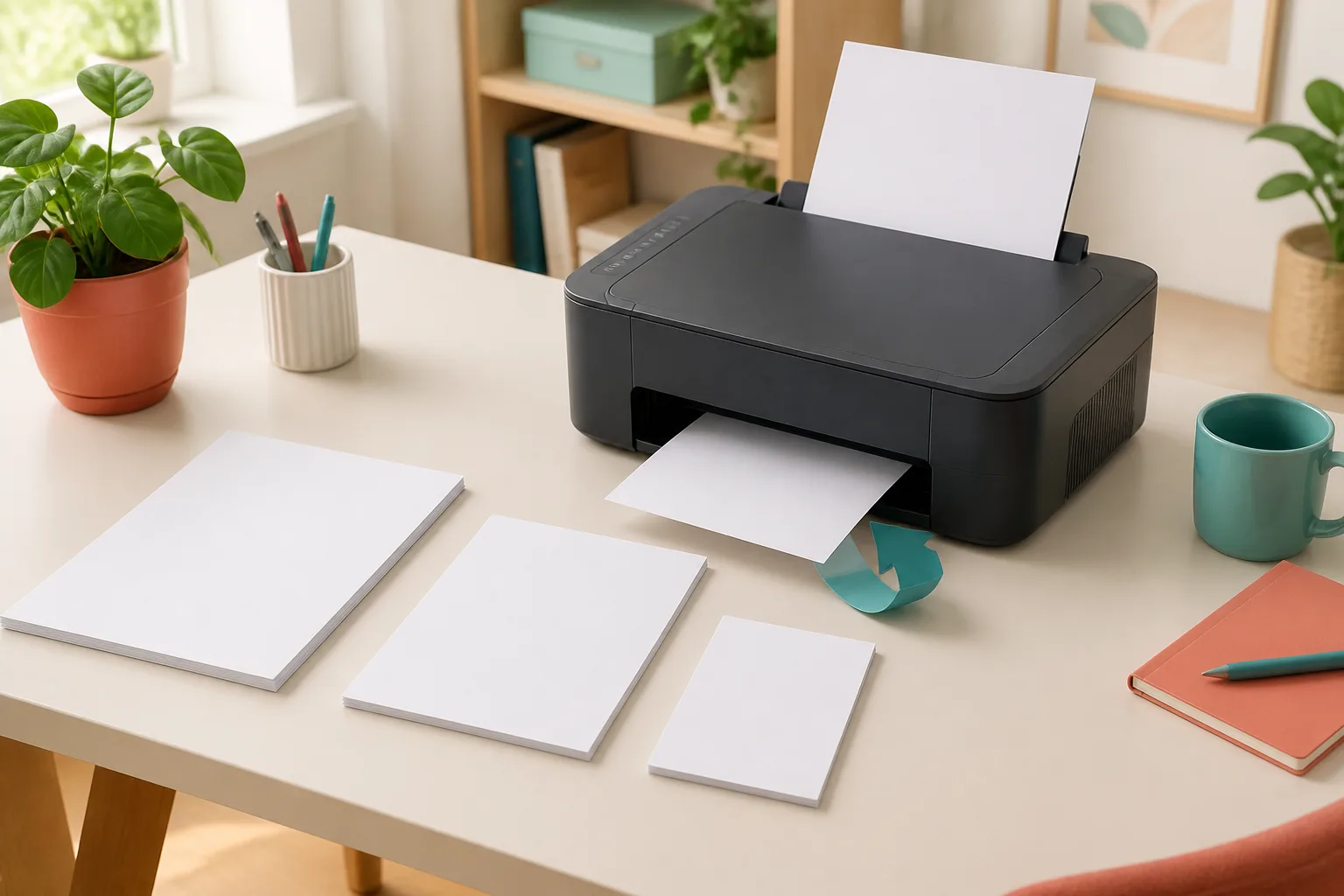
Scale does not choose the paper in your tray. Set A4 for an A4 PDF, US Letter for a Letter PDF, or A5 for an A5 PDF before printing. Duplex controls the second side, while Booklet rearranges pages and normally places two pages on each side of a sheet. Check each setting in the preview before committing a full stack.
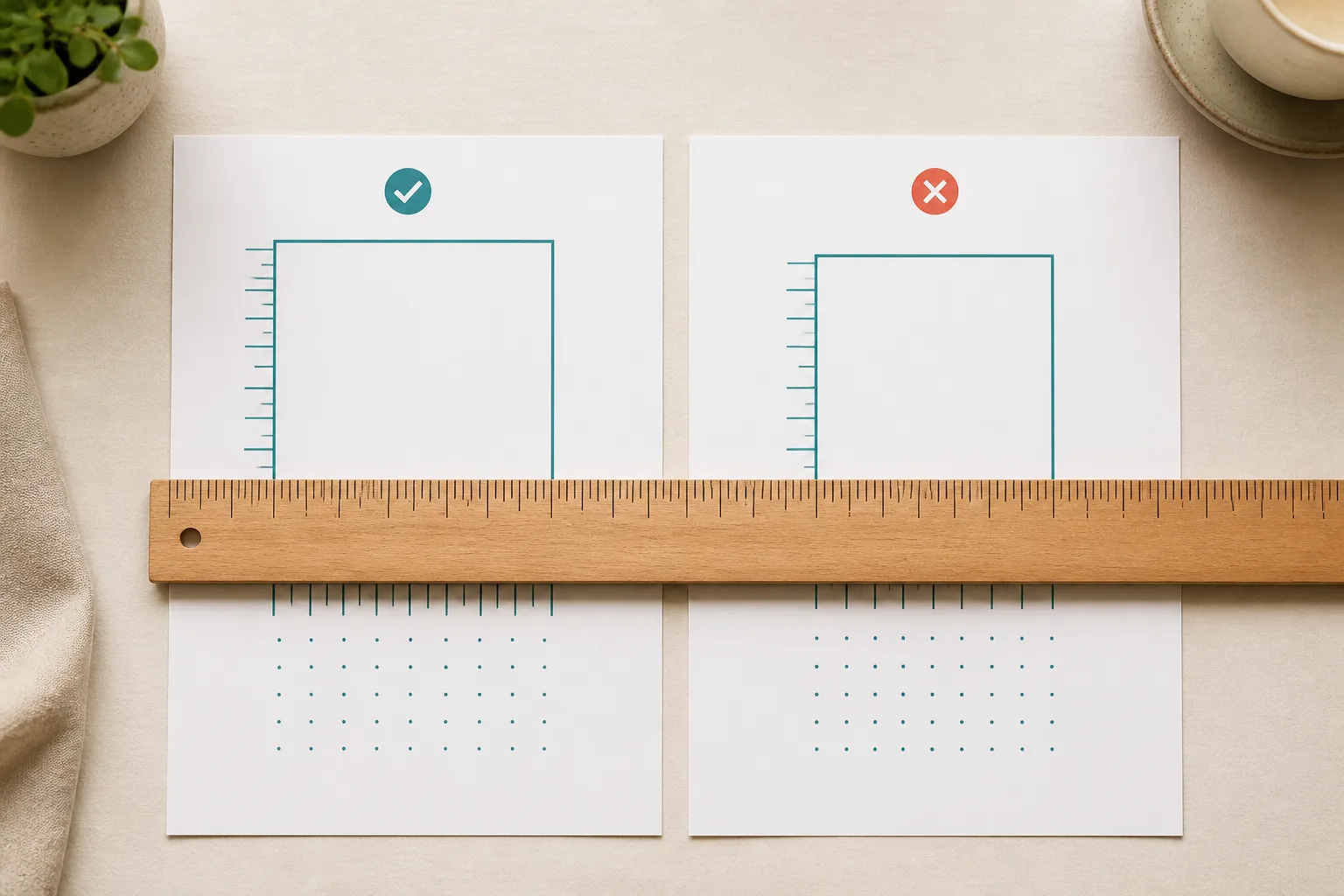
The fastest way to confirm how to print PDF actual size is to measure a known line. Download the format loaded in your printer, print only the test page at Actual size or 100%, then compare it with a reliable ruler.
Both downloads contain exact vector marks for 1 inch, 5 centimeters and a 5 × 5 cm grid. Do not print the on-screen preview; use the PDF button below.
The PDF is generated in your browser. Nothing is uploaded, and the thin vector lines remain crisp on any printer.
Open the downloaded PDF in Adobe Acrobat Reader or your browser and select the same paper size as the file.
Set Actual size or Scale 100%. Turn off Fit, Shrink oversized pages and borderless expansion.
Print one copy. Measure between the outer edges of the end marks: exactly 1 inch and exactly 5 cm.
Knowing how to print PDF actual size also means matching the page geometry. The three common printable sizes have different dimensions and use cases.
| PDF page | Physical size | Common use | Print at 100% on |
|---|---|---|---|
| A4 | 210 × 297 mm (8.27 × 11.69 in) | Most countries; worksheets and planners | A4 paper |
| US Letter | 8.5 × 11 in (215.9 × 279.4 mm) | United States and Canada | US Letter paper |
| A5 | 148 × 210 mm (5.83 × 8.27 in) | Planner inserts and small booklets | A5 paper, or imposed on A4 |
If an A4 PDF is printed on US Letter at 100%, or a Letter PDF on A4, part of the page may be clipped because the proportions differ. Choose Fit only when preserving all content matters more than exact measurements.
The names vary slightly, but the rule is the same: select the correct paper first, then disable automatic scaling and verify the preview.
Duplex prints pages in normal order on both sides. Booklet mode imposes pages two-up in a new order so folded sheets read correctly.
Most home printers cannot place ink at the very edge. Actual size preserves scale but may clip artwork outside the printable area.
Economy settings can reduce ink use without resizing the page, as long as draft quality does not make fine measurement marks disappear.
Answers based on the scaling, paper-size and duplex problems people most often search before printing precise templates.
Actual size prints the PDF without scaling. A one-inch object in the file should measure one inch on paper. Content outside your printer's usable area may be clipped, which is different from shrinking it to fit.
Yes in normal PDF print dialogs. Actual size means no enlargement or reduction, which is a custom scale of 100%. Verify with the calibration page because some printer drivers can apply a second scaling setting.
A printer-driver option such as Fit to printable area, borderless expansion, Reduce/Enlarge, or an incorrect paper size may be scaling it again. Open Printer Properties, disable those options, then repeat the 1-inch and 5-cm test.
Choose Actual size for graph paper, rulers, ring sizers, labels, planner inserts, patterns and anything measured after printing. Choose Fit for ordinary reading documents when avoiding clipped content matters more than exact dimensions.
You can print it at 100%, but the page proportions differ and some content may be clipped. For a dimension-critical template, download the Letter version or load A4 paper. Fit keeps all content but changes its physical size.
For one A5 page centered on A4, keep scale at 100% and select A4 as the output sheet without using Fit. For a folded A5 booklet, use Booklet mode so Acrobat imposes two A5 pages on each side of A4.
Many printers enlarge borderless jobs slightly so ink extends beyond every edge. That expansion prevents white slivers but breaks exact measurements. Turn borderless off when you need to print PDF actual size.
Portrait documents usually use long-edge flip for book-like pages. Landscape documents often use short-edge flip, but printer drivers describe this differently. Print a two-page test with arrows before a large job.
Yes. Grayscale, draft quality and printing only selected pages do not normally change scale. Avoid Multiple pages per sheet, booklet imposition for single templates, and any Eco option that also says Fit, Reduce or Scale.
The end marks should measure 1 inch and 5 cm with a reliable ruler. A tiny line-width difference is normal, but a visible 1–2 mm error means the print path is scaled and should be corrected before using measurement templates.
Still getting the wrong measurement?
Create millimeter, centimeter or inch grids that depend on correct 100% printing.
Choose exact ruled spacing, paper size and margins for writing or planner pages.
Build A4, Letter or A5 planner pages and print only the dates you need.
Generate letter heights in millimeters, then preserve them by printing at actual size.
Download the page that matches your paper, set 100%, and measure before using any exact-size printable.