Six quick task layouts
Choose simple, priority, time and deadline, category, delegated or full task-tracker layouts instead of rebuilding a table from scratch.
Free To Do List Printable
Build a to do list printable for the way you actually plan. Start simple or add priority, time estimate, due date, category, assignee and notes columns, then set the row count, checkbox style and paper size before exporting your PDF.
Free, no sign-up and no watermark — your settings stay in this browser.
Pick the details you need and leave out the ones you do not. The live preview is the exact vector layout used for PDF export and printing.
Use short labels so every heading stays easy to read on paper.
This printable task sheet is created locally in your browser. Nothing you customize is uploaded.
A useful task sheet gives you enough structure to decide what happens next, without turning a quick paper list into project-management software.
Choose a plain checklist for errands, add priority and due date for a focused workday, or use category, time estimate, assignee and notes when a task needs context. Every printable task sheet remains quick to scan and comfortable to complete by hand.
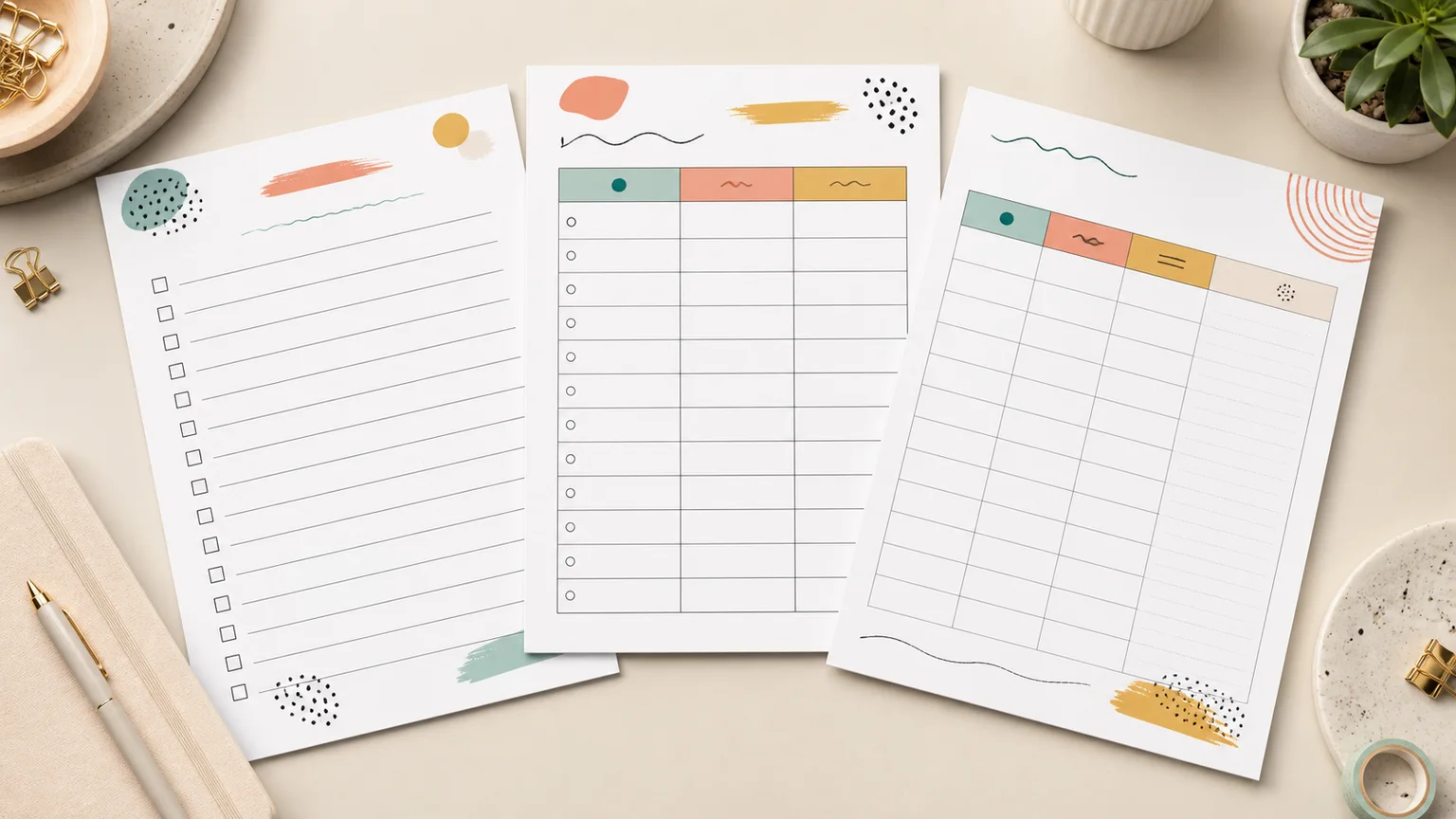
Set A4, US Letter or A5 paper, switch between portrait and landscape, and choose 8–28 rows. The same vector page powers the preview, direct print view and PDF, so your to do list printable keeps its column widths and checkbox spacing.
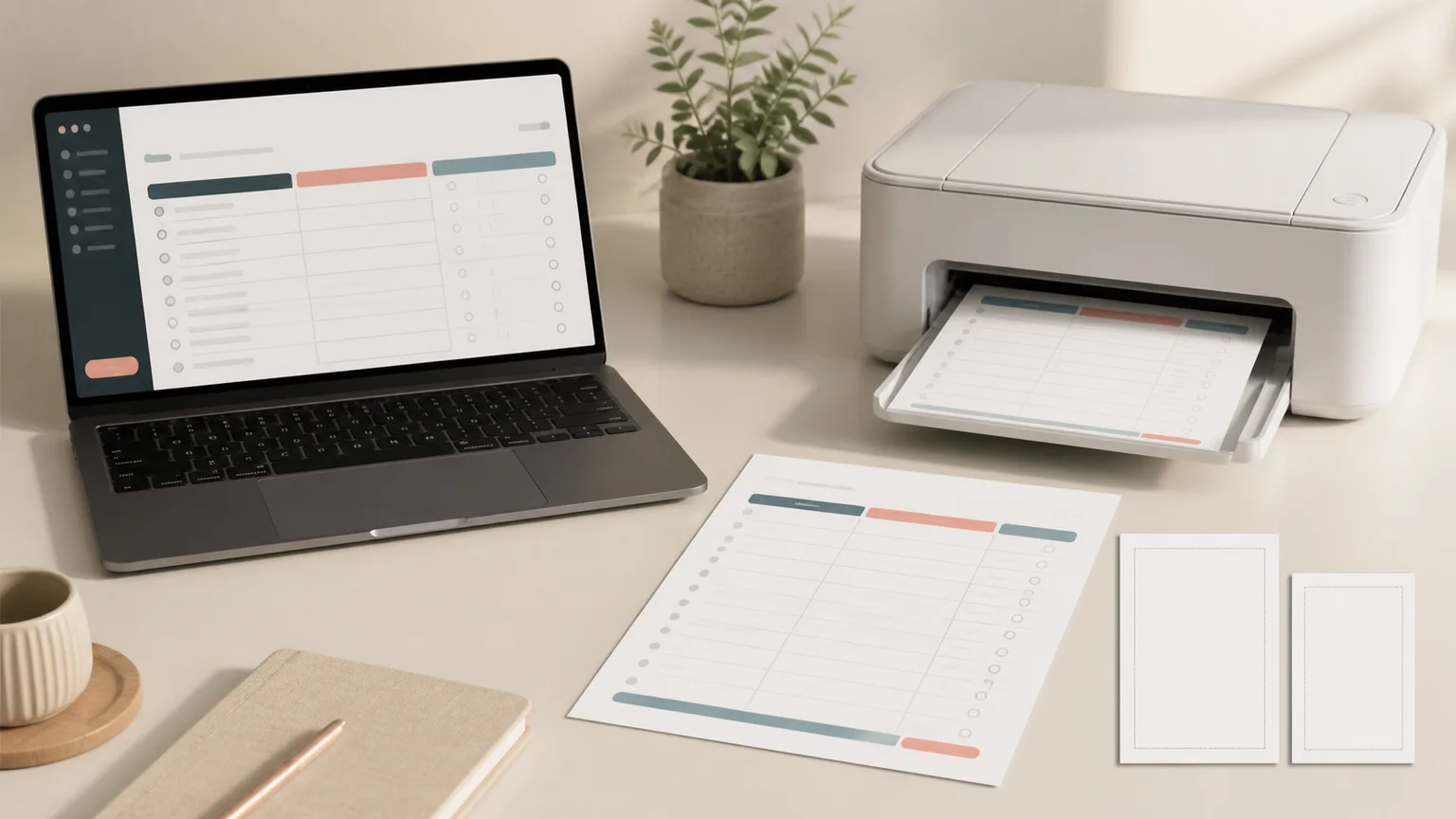
Practical controls for a task list that fits a desk, clipboard, binder or household command center.
Choose simple, priority, time and deadline, category, delegated or full task-tracker layouts instead of rebuilding a table from scratch.
Rename Task, Priority, Estimate, Due date, Category, Assigned to or Notes so the printed sheet uses the language and workflow your household or team knows.
Use square, circle or diamond checkboxes, or remove the checkbox column when you want a general action-item table instead.
Make a spacious daily list with eight rows or a dense project backlog with up to 28. Row height adjusts automatically to the selected paper.
Prepare a full-page office sheet, a familiar home-printer page or a compact planner insert in portrait or landscape orientation.
Download a clean PDF whose lines, labels and checkboxes stay sharp at print size. There is no screenshot blur and no watermark.
A four-step setup keeps the sheet useful after the first burst of planning.
Use Simple tasks when completion is the only thing to track. Add priority, deadline or delegation fields only when those details will change what you do next.
Change Estimate to Time, Assigned to to Owner, or Due date to Deadline. Familiar headings reduce hesitation when you review the page later.
Short headings leave more room for handwriting.
Eight to twelve roomy rows work well for a daily printable task sheet. Use more rows for a weekly capture list, and choose landscape when the layout contains several detail columns.
If handwriting feels cramped in preview, reduce the row count before printing.
Review the live page, download a reusable blank PDF, or open your browser's print dialog. Print at 100% scale when exact A4, Letter or A5 sizing matters.
Build my printable listAnswers based on common searches about free templates, PDFs, priorities, deadlines and printing.
Yes. Create, preview, print and download the PDF for free, with no account, email gate, usage limit or watermark.
Yes. Select your layout, labels, row count, checkbox style, paper size and orientation, then choose Download PDF. The result is a sharp one-page vector PDF.
Yes. Choose Priority list for tasks and priority, Time & deadline for estimated time and due dates, or Full task tracker to combine those fields with category, assignee and notes.
Yes. Every visible heading is editable. For example, rename Task to Action, Estimate to Minutes, Assigned to to Owner, or Due date to Deadline before exporting.
The generator supports A4, US Letter and A5 in portrait or landscape. A4 and Letter suit full-page lists; A5 works well as a compact planner or binder insert.
Start with 8–12 rows for a focused daily list. Use 16–20 for weekly capture, and 24–28 only when short tasks and higher page density are more important than writing space.
This page creates a fast blank table to print and complete by hand. The checklist maker is better when you want to type real items, create grouped sections, drag to reorder, autosave, or export PNG and CSV.
No. The to do list printable is generated locally in your browser. Your title, headings and options are not sent to our server.
Something not working as expected?
Choose a focused layout, rename the columns and set exactly how much writing space you need.
Preview your to do list printable, then download a crisp PDF or print it directly — free and without signing up.
Free • No sign-up • No watermark • Local in your browser