7-day column layout
Seven equal columns side by side, each with a ruled writing area — the classic format for a wide view of the whole week at once.
Weekly Planner Printable
This weekly planner printable tool switches between 7-day columns, stacked daily rows or an hourly timeline, with week start, goals, priorities and a habit tracker all yours to set. 100% free, no sign-up.
No account, no watermark — every weekly planner printable renders locally in your browser.
The preview updates as you change any setting, so you can compare all three weekly planner printable layouts before you download.
Your week is rendered into a vector PDF directly inside your browser. Nothing is uploaded to any server. How to print at actual size (100%)
A downloaded weekly planner printable usually forces one layout on you. This one lets you switch between three genuinely different formats and keep every other setting.
7-day columns give each day equal width side by side, stacked days read like a diary with more room per line, and the hourly timeline lines up all seven days against a shared time axis for real time-blocking. Switch between them and this weekly planner printable rebuilds the whole page — not just the labels.
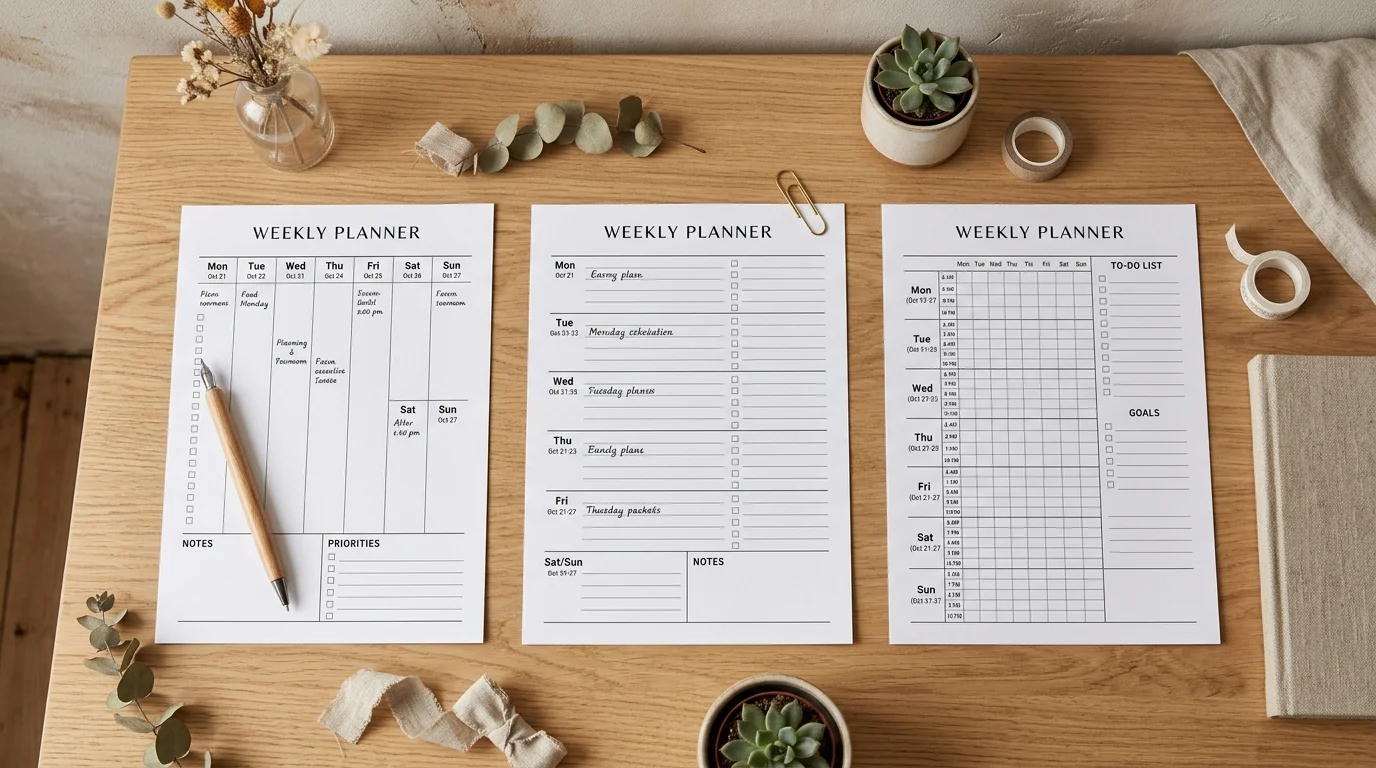
Add a numbered top-3 priorities strip, a weekly goals line, a seven-column habit tracker or a meals row to each day — each one is optional, so a plain, uncluttered page is just as easy to make as a fully loaded one.
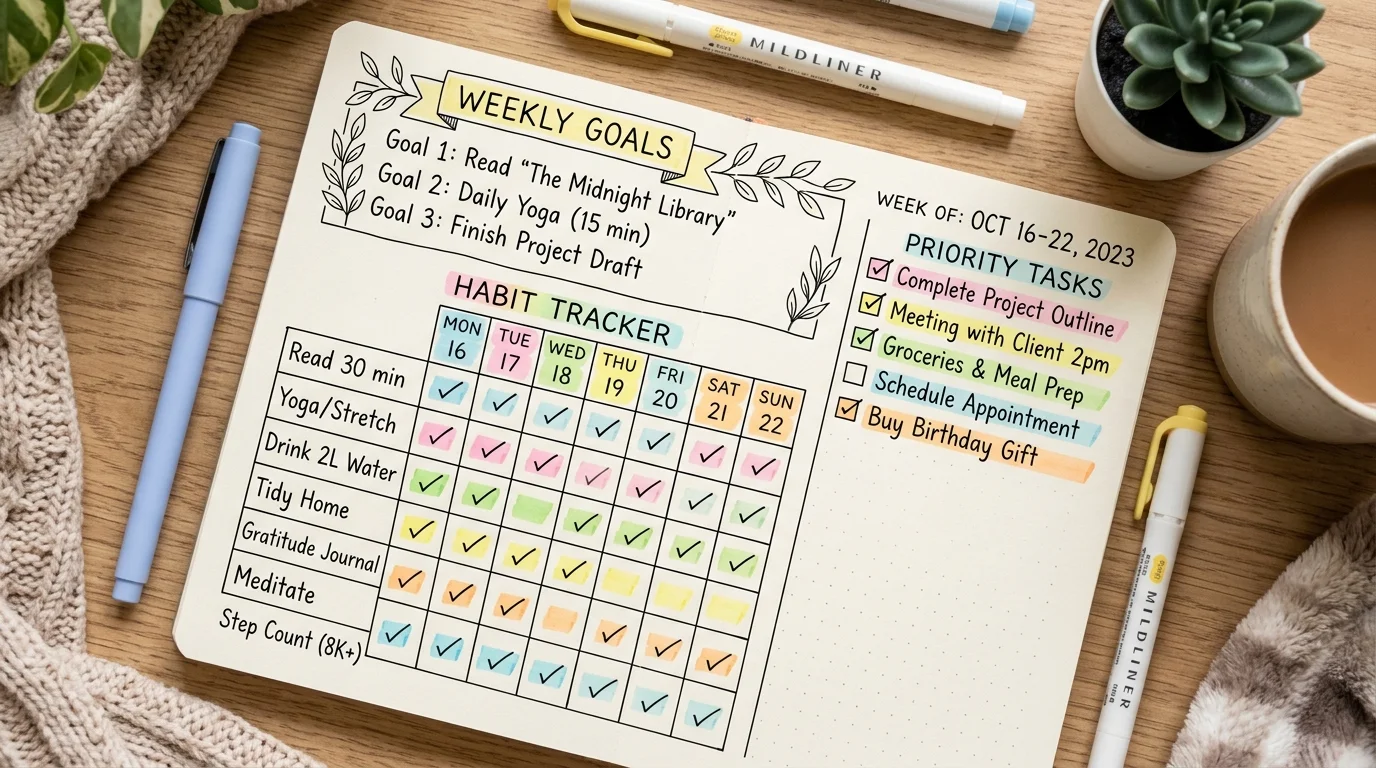
Every layout and toggle exists because a real week planning session needed it.
Seven equal columns side by side, each with a ruled writing area — the classic format for a wide view of the whole week at once.
Each day gets a full-width horizontal band with more writing room per line, closer to a weekly diary than a grid.
Set a custom hour range with 30 or 60-minute rows, and every day lines up against the same time axis for real time-blocking and side-by-side comparison.
Pick the week start that matches your calendar, and choose a specific dated week or an undated version you can print and reuse indefinitely.
An optional 7-column habit grid for the routines you're building, plus a compact meals line for each day when you want one page to cover food planning too.
Every layout recalculates for the paper size and orientation you pick, so the seven columns or the hourly timeline stay evenly spaced whether you print A4, Letter or A5.
Everything below happens in the generator above — nothing to install, nothing to sign up for.
Choose 7-day columns, stacked days or the hourly timeline, then set whether your week starts on Sunday or Monday to match your own calendar.
Pick any date inside the week you want and the generator finds the full Sunday-to-Saturday or Monday-to-Sunday range automatically. Leave it undated for a page you can reprint for any week.
In the hourly timeline layout you can also set the start hour, end hour and 30 or 60-minute interval.
Add a top-3 priorities strip, a weekly goals line, a seven-day habit tracker or a meals row to each day. Every module is optional, so keep this page as simple or as detailed as the week ahead needs.
The habit tracker and meals row aren't available on the hourly timeline layout — there's no room for them in an hour-by-hour grid.
Download the PDF, then in your print dialog choose Actual size or 100% scale rather than Fit to page, so the seven columns or the hourly grid print at the size you designed.
Read the printing guideWhat people actually ask before printing a week at a glance.
Yes. There's no account, no email wall, no watermark and no limit on how many pages you generate. Pick your layout, set your options and download the PDF directly.
7-day columns put every day side by side for a wide overview, stacked days give each day a full-width horizontal band with more writing room, and the hourly timeline lines all seven days up against a shared time axis for hour-by-hour time-blocking.
Yes. The week start is a single toggle between Sunday and Monday, and every layout — columns, stacked or timeline — rebuilds around whichever day you choose.
Yes. Switch the date setting to Undated and the page prints generic day labels instead of specific dates, so you can photocopy or reprint the same sheet for any week.
Yes, as an optional module. It adds a seven-column grid — one column per day — below your main week layout, available on the 7-day columns and stacked layouts.
The hourly timeline dedicates its space to a fine time grid across all seven days, and there isn't enough room left for a separate meals row or habit tracker without making the hour cells too small to write in. Both are available on the 7-day columns and stacked layouts.
A common range is roughly 7am to 9pm with 60-minute rows for a general weekly overview, or 30-minute rows if you're time-blocking a busier schedule. Hours outside your chosen range simply aren't drawn.
Landscape A4 or Letter usually gives the 7-day column and timeline layouts the most room, while stacked days work well in portrait. A5 suits a half-size planner binder. The layout recalculates for whichever size and orientation you pick.
No. Every option you choose is rendered into a PDF directly inside your own browser using vector graphics. Nothing you type or select is sent to a server.
Something not working as expected?
Pick a layout, set your week, and have a print-ready weekly planner printable ready in under a minute.
Switch between 7-day columns, stacked days and the hourly timeline until one feels right.
Free • No sign-up • No watermark on the PDF