Six editable memory fields
Add name, grade or class, school, date, age and a future dream. Leave any optional answer blank if you prefer a simpler sign.
Free Editable Back-to-School Photo Sign
Create a personalized first-day school photo sign with your child's name, grade, school, date, age and future dream. Choose a cheerful theme and download a photo-ready PDF or PNG.
Free, no registration and no watermark. Names and school details stay in this browser and are never uploaded.
Type the details, select a theme, color, paper size and orientation, then download your personalized school photo sign as PDF or high-resolution PNG.
Privacy tip: use only a first name or initials and omit the school before sharing the photo publicly. All fields are processed locally.
PDF is best for home printing; PNG is convenient for a photo album or private family message. How to print at 100%
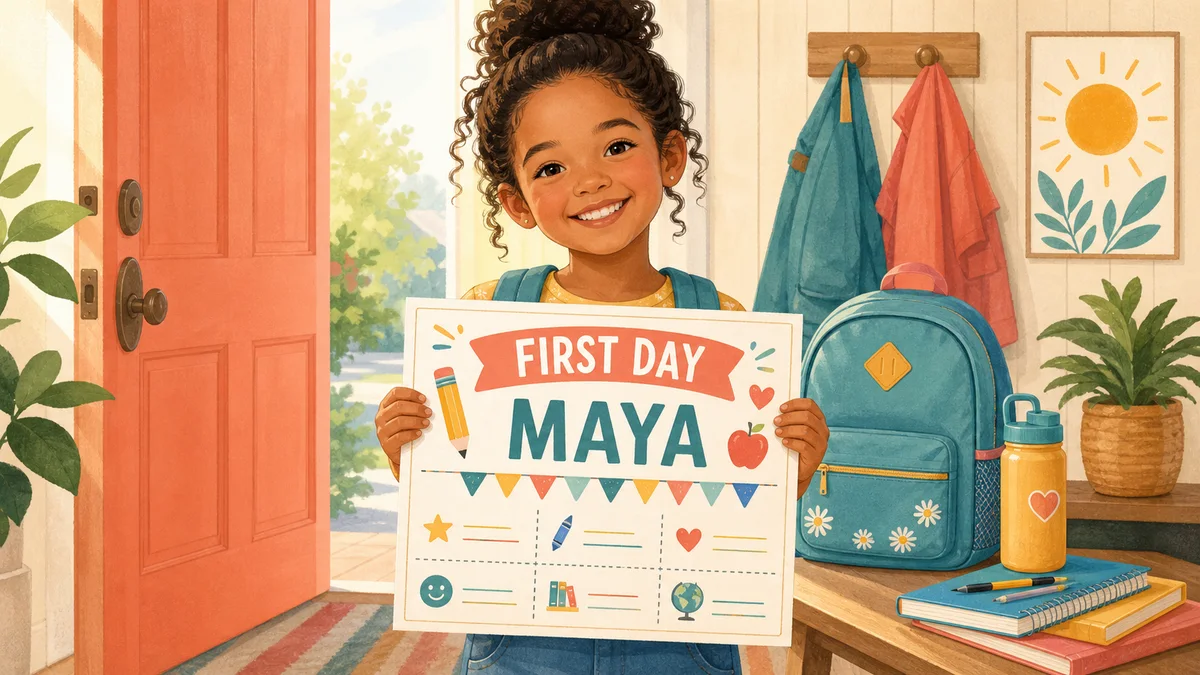
A clear sign turns one hurried doorstep photo into a dated school-year memory you can understand years later.
A printable school photo sign puts the name, grade, date and a few small details in the photograph itself. Add age and a future dream if they feel meaningful, but keep the answers short enough to read from camera distance. The live preview helps you spot crowded text before printing, so the keepsake feels personal without becoming visually busy.
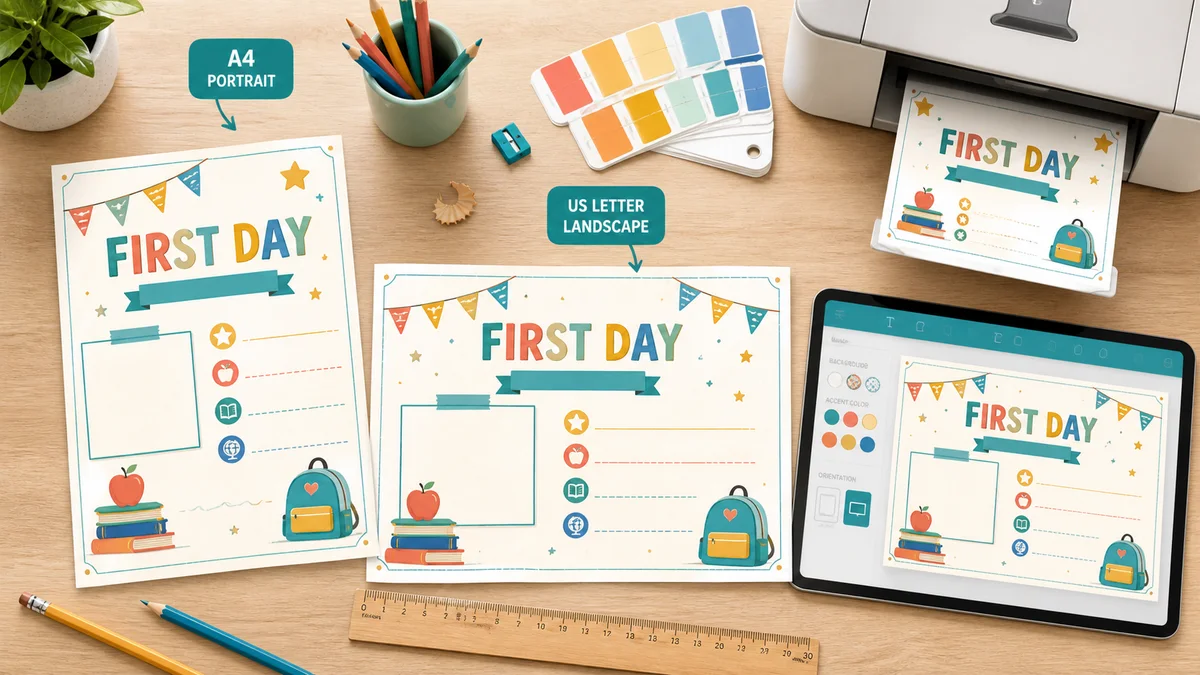
Choose A4 or US Letter, then switch between landscape for a wide hand-held prop and portrait for a taller composition. Every layout updates to the selected proportions instead of stretching a fixed template. Pick a theme and accent color, download a crisp PDF for paper or a high-resolution PNG for a private digital album.
Useful customization without an account, a paid template or a design app.
Add name, grade or class, school, date, age and a future dream. Leave any optional answer blank if you prefer a simpler sign.
Choose classroom, rainbow, space or minimal art, then use a preset accent or any custom color that fits the backpack and outfit.
Long names and school details resize in the browser, so the sign you see is the layout that downloads.
Export crisp type and shapes for A4 or US Letter printing with no watermark and no loss of quality.
Save the same personalized design as a sharp PNG for private family sharing, digital scrapbooks or a school-year album.
Typed names, dates and school details are rendered on the device. The generator does not upload or store them.
Three quick choices create a readable prop for the doorstep, classroom or family album.
Enter a first name, grade, date, age and a short future dream. School is optional. For a photo you may post publicly, omit the school and use a first name or initials. The design is built locally as you type.
Match classroom, rainbow, space or minimal art to the child's taste. Landscape is easy to hold across the body; portrait works well beside a backpack or on a clipboard. Select A4 or US Letter to match the paper already in your printer.
The live preview rebuilds for every size and orientation.
Use PDF for the cleanest home print and PNG for a digital keepsake. Print at Actual size or 100% on matte card stock when possible. Let ink dry, place the child in open shade, and check that all sign text is readable before the moment passes.
Save a copy without the school name if you plan to share the photograph online.
Read the printing guideAnswers to common searches about editable signs, grades, printing, photo props, formats and privacy.
Yes. Edit every displayed memory field, theme, accent color, A4 or US Letter size and orientation without an account, email gate or watermark. Your design updates live and downloads as PDF or PNG.
Start with a first name, grade or class and date. Age, school and a future dream are optional. Short answers photograph better. If the picture may be public, omit the school, teacher, address, uniform badge and other details that could identify the child's location.
Yes. Type Preschool, Pre-K, Kindergarten, Reception or the local class name in the grade field. The generator does not limit grade wording, so the same editable design works from nursery through senior year.
Landscape is usually easier for a child to hold across the torso and keeps the face visible. Portrait can suit a clipboard, easel or full-length backpack photo. Preview both; choose the version whose text remains large at your intended camera distance.
Ordinary paper works, but 160–220 gsm matte card stock stays flatter and reduces glare. Check the printer's supported paper weight first. For regular paper, mount the print on reusable cardboard with removable tape and supervise scissors or craft knives.
Choose the paper size in the generator, download PDF, and select Actual size or 100% in the print dialog. Avoid Fit to page if you want the preview proportions. Use landscape or portrait in both the generator and printer settings.
Yes. PDF is ideal for sharp home printing, while the high-resolution PNG is useful for a private family message or digital scrapbook. Both exports use the same live layout, selected theme and entered details.
No. All fields are turned into the printable file inside your browser. The tool does not upload or store them. You remain responsible for the downloaded file and any photo sharing, so create a less identifiable version for public posts.
You can change the heading only through the available localized first-day wording today, but all personal fields, colors and layouts remain editable. A dedicated last-day heading is a sensible future addition; meanwhile, save this file as the visual reference for a matching end-of-year photo.
Need another field or school theme?
Add the details worth remembering, choose a theme and download a photo-ready PDF or PNG before the first-day rush.
Free • No sign-up • No watermark • A4 and US Letter • Local processing