Monthly or yearly layout
Use one monthly bill tracker page or a yearly directory plus 12-month bill payment checklist.
Free Bill Tracker Printable
Make a monthly bill payment checklist or a two-page yearly bill organizer. This bill tracker printable gives each recurring expense a due date, amount, autopay marker, paid field and notes space without turning it into a complete budget planner.
Free, no sign-up and generated locally in your browser — no bill details are uploaded.
Choose a monthly bill tracker or yearly bill payment checklist, then set the period, currency, number of rows, paper size and PDF format.
The symbol is a printable label only. This tool does not convert currencies or calculate totals.
Choose 8–30 rows. Fewer rows leave more handwriting space; more rows fit a longer bill list.
Standard PDFs are ready for handwriting. Fillable PDFs add typeable fields for bill names, due dates, amounts, statuses and notes.
The bill tracker printable is rendered locally. Avoid adding account numbers or login details you do not need on paper. How to print at actual size (100%)
A useful bill payment tracker should fit your list, your paper and the way you review recurring payments.
A monthly bill tracker works best when every rent, utility, insurance, subscription and credit card payment has one row. Set 8–30 rows, then use the due date, amount, autopay, paid and notes columns to review what is coming up. Unlike a complete budget planner, this bill tracker printable stays focused on whether a bill is due and whether the payment was completed.
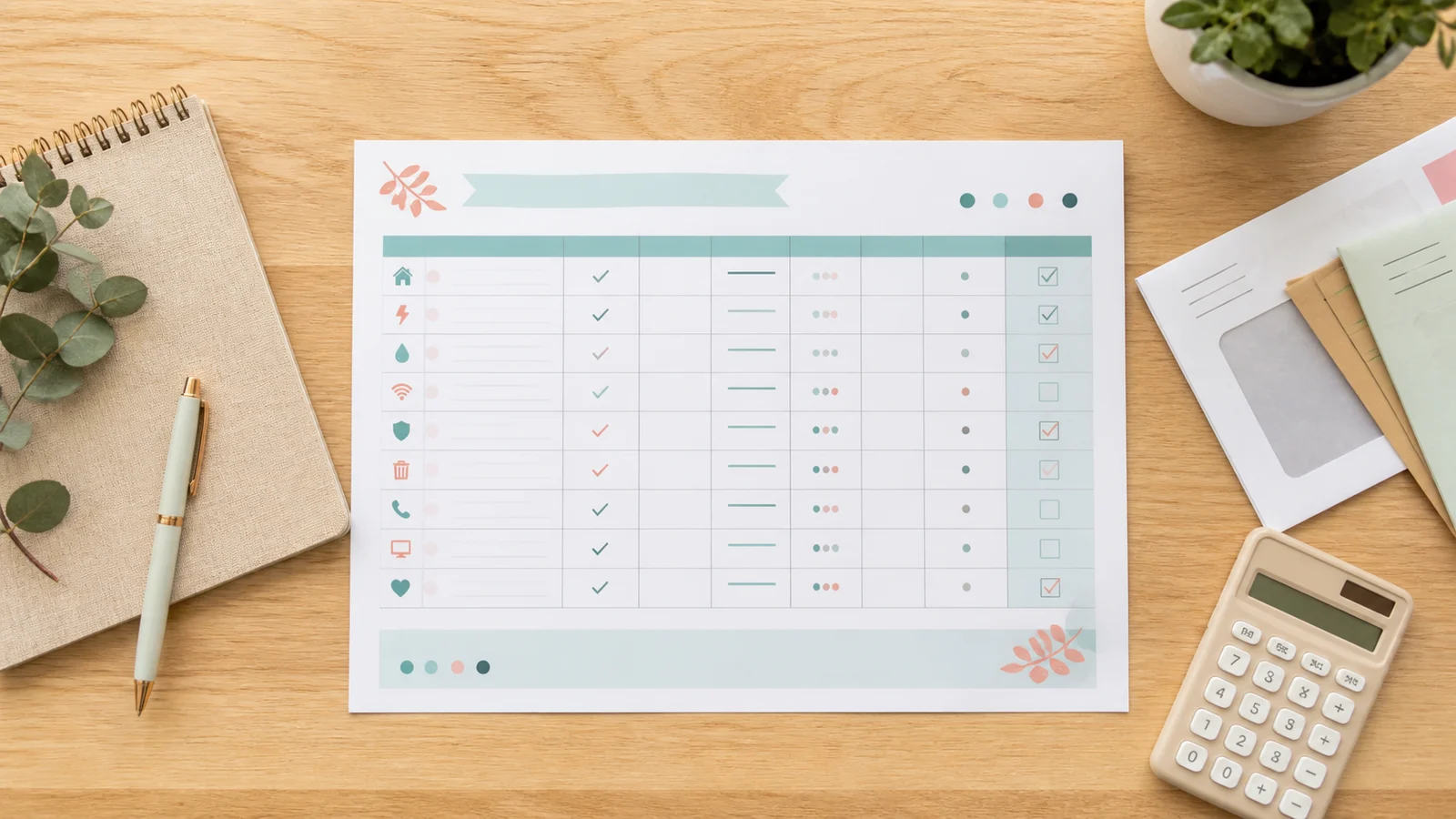
The yearly option creates two coordinated pages. The bill directory records each recurring bill, its usual due date, expected amount, autopay status and notes. A landscape yearly bill payment checklist then gives every bill twelve month boxes, so annual, quarterly and monthly charges are easy to scan. Choose A4, US Letter or A5, then download a standard or fillable bill tracker PDF.
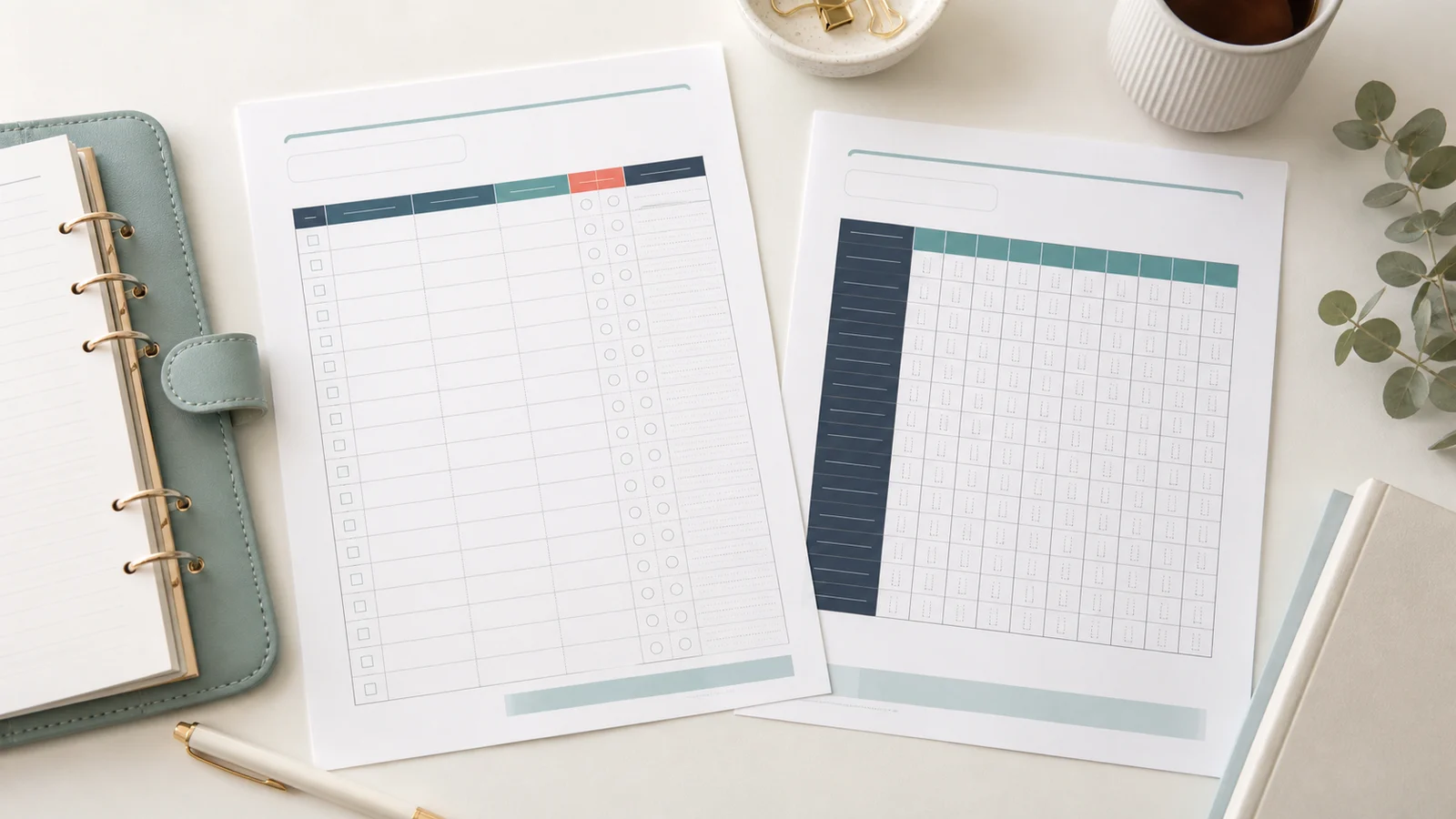
The bill tracker template covers recurring payment records only, with no income plan, spending categories or bank connection.
Use one monthly bill tracker page or a yearly directory plus 12-month bill payment checklist.
Give each bill a clear due date and expected amount so upcoming payments are visible.
Mark automatic payments separately, then confirm that the charge actually completed.
Label the bill tracker with dollars, euros, pounds, yen, reais, rupees or won without exchange-rate math.
Balance a longer household bill list against larger handwriting and notes space.
Preview a paper-sized bill tracker printable, then handwrite it or type in compatible PDF readers.
Four quick choices turn a blank bill payment log into a practical monthly or yearly record.
Pick Monthly for one period with a paid column. Pick Yearly for a recurring bill directory and a separate 12-month payment checklist.
Choose a periodSelect a month or year, add the currency label you use, and choose enough rows for regular and less frequent bills.
Customize rowsUse Letter for many North American printers, A4 internationally or A5 for a smaller finance binder. Select Fillable to type before printing.
Choose a PDFAn autopay marker is not proof of payment. Check the charge, mark Paid, add any useful note, and print the bill tracker at Actual size.
Read the printing guideHelpful answers shaped by searches for monthly bill trackers, bill payment checklists, bill organizers and fillable PDFs.
A bill tracker printable is a paper or PDF list of bills with their due dates, amounts and payment status. This version also includes autopay and notes fields, helping you review recurring payments without building a full monthly budget.
Yes. Customize and download the bill tracker printable without an account, email gate, payment or watermark. The generator runs in your browser.
A practical monthly bill tracker normally includes the bill name, due date, expected or actual amount, autopay status, a paid checkbox and notes. Those are the columns included here.
The monthly layout lists every payment due in one month. The yearly layout separates stable bill details from a 12-month paid checklist, making monthly, quarterly and annual charges easier to review together.
Yes. Select Fillable before downloading. Compatible PDF readers let you type bill names, due dates, amounts, statuses and notes. The typed data is stored in your PDF, not sent to this site.
It is safer to use Autopay to record how a bill is scheduled and Paid to record that the charge completed. Automatic payments can still fail, so check the account or provider confirmation.
Yes. Leave the amount fields empty and use the due date, autopay and paid columns as a simple bill pay checklist. The fillable PDF does not require every field to be completed.
US Letter suits many North American printers, A4 is common elsewhere, and A5 fits compact binders. More rows create smaller writing spaces, so preview the bill organizer before downloading.
No. A bill tracker records recurring payment details and whether each bill was paid. A budget planner also covers income, spending categories, savings, debt and planned-versus-actual totals.
Need another bill tracker layout?
Choose monthly or yearly, then customize the date, currency, rows, paper and PDF format.
Download a clear bill payment checklist with no sign-up and no uploaded financial details.
Free for personal use • No watermark • Standard or fillable PDF