Rectangle or circle
Make a classic square-cell maze or a radial circular maze. Both use the same verified generation and solving pipeline.
Maze Generator Printable
Build a rectangular or circular printable maze for children, students or adults. This maze generator printable tool lets you set difficulty, grid size, markers, line weight, colours and paper before exporting a verified puzzle.
Free • No sign-up • A4 and Letter • Verified answer page • Vector PDF and SVG
Change any option and the maze generator printable preview rebuilds instantly. A separate solver checks the route before the puzzle can be downloaded.
16 × 16: the balanced printable maze setting for classrooms and family puzzle time.
Keep this seed to reproduce the same maze later. Shape and grid settings must also match.
Puzzle page · 1 / 2
The maze and its answer are generated locally in your browser; no puzzle data is uploaded. Print at actual size (100%)
A pretty maze is useless if the finish is sealed off. The maze generator printable workflow treats solvability and print quality as requirements.
Choose the familiar rectangular grid or a circular maze with rings and sectors. The maze generator printable engine carves a connected spanning tree, then an independent breadth-first solver confirms a route from the start marker to the finish.
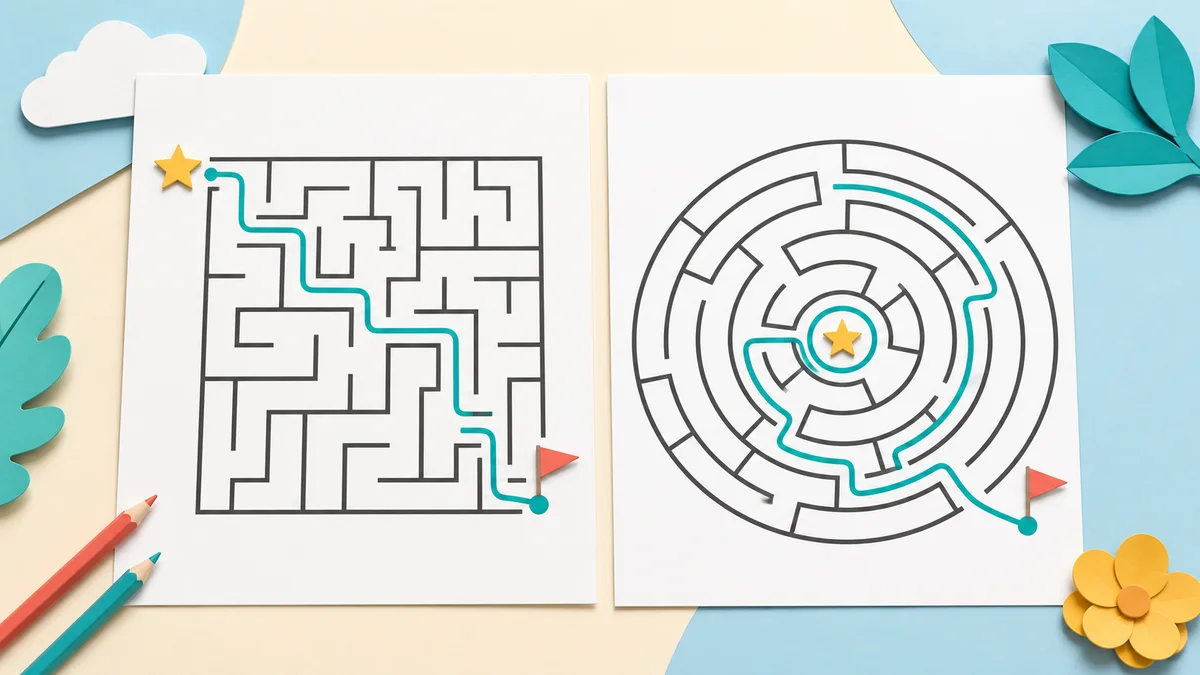
The PDF puts clean puzzle sheets first and solved copies after them. Navigate to the answer page when you want a separate SVG or PNG. This keeps the key at the teacher's desk instead of spoiling the activity.
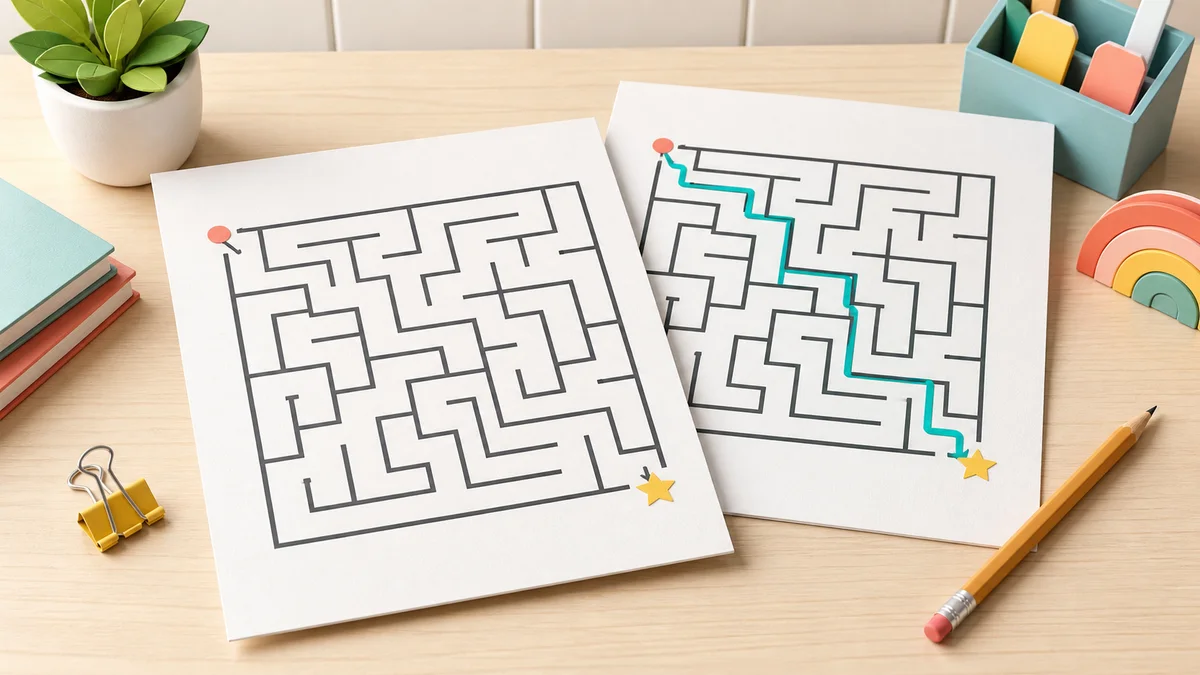
The controls reflect what teachers, parents and puzzle-book makers search for in a maze generator printable page.
Make a classic square-cell maze or a radial circular maze. Both use the same verified generation and solving pipeline.
Use four sensible presets, then adjust rows, columns, rings or sectors for a custom challenge.
Choose a friendly star and flag, simple dots or directional arrows so every solver knows where to begin.
Set wall width, maze colour and answer-path colour. Dark walls and a strong contrasting route remain easiest to photocopy.
Fill A4, Letter, A5 or Legal paper with one large maze, two activity slips or four compact warm-ups.
Download the full puzzle-plus-answer PDF, or export the page currently in preview as crisp SVG or high-resolution PNG.
A reliable printable maze takes four short decisions, and the validator handles the risky part automatically.
Open the maze generator printable controls and choose a rectangular grid or circular rings. Start with Kids for preschool or Medium for a general-purpose worksheet.
Pick a preset or set the rows and columns yourself. Larger grids take longer to solve, but very dense grids should stay one per page so corridors remain easy to trace.
Changing either dimension marks the difficulty as Custom without discarding your settings.
Select start and finish icons, wall thickness, colours, A4 or Letter paper, orientation and how many mazes fit on each sheet.
For black-and-white photocopies, use near-black walls and a dark answer path rather than pale colours.
Wait for the green solvability message, then download PDF, SVG or PNG. The PDF keeps the answer on a separate page. In the print dialog choose Actual size or 100%.
Read the printing guideAnswers based on common searches for printable mazes, kids' difficulty, PDF keys, circular layouts and classroom printing.
Yes. Generation first connects every cell, then a separate breadth-first solver finds a start-to-finish route. Download is enabled only after all mazes on the page pass validation, and the same check runs again when export scenes are built.
Yes. Choose Kids for a broad 7 × 7 maze or Easy for 10 × 10. A star and flag give young children obvious goals, while a thicker line and one maze per page leave more room for crayons or markers.
Yes, when Add a separate answer page is selected. The first PDF page contains only the unsolved maze or mazes; the next page repeats them with the verified solution path highlighted.
Yes. Choose Circle, then set the number of rings and sectors. The entrance sits on the outside and the finish is near the centre. For clear tracing, use one circular maze per page when you select Medium or Hard.
Ages 3–5 usually do best with Kids 7 × 7; ages 5–8 can try Easy 10 × 10; ages 8–12 often enjoy Medium 16 × 16. Hard 24 × 24 is better for older children and adults. Motor control matters as much as age, so reduce the grid if corridors feel tight.
Yes. The maze generator printable tool supports A4, US Letter, A5 and US Legal in portrait or landscape. The preview uses the exact page ratio. Print at Actual size or 100% to preserve the margins and line widths.
PDF is best for printing the whole puzzle and separate answer page. SVG is editable vector artwork and stays sharp at any size. PNG is a high-resolution image that is convenient for slides, documents and learning platforms.
Yes. Choose one, two or four mazes per page. Each maze is generated from a different seed suffix and validated separately. The answer page repeats the same layout, so matching each solution to its puzzle is straightforward.
No. It is free, has no sign-up and generates everything in your browser. Your seed and settings are not uploaded. Save the seed if you want to recreate an identical maze later.
Did a maze or export behave unexpectedly?
Use the maze generator printable controls to build a fresh rectangle or circle.
Confirm the green validation message and export the puzzle with its separate answer page.
Free, no account, no watermark, and every maze is checked before export.