Daily, weekly or monthly
Label the expense tracker printable for a specific day, ISO week or calendar month.
Free Expense Tracker Printable
Build a focused expense tracker printable for one day, one week or one month. Choose the paper size and number of rows, then download a blank PDF, a fillable PDF or an empty CSV template for your own transaction log.
Free, no sign-up and generated locally — this page never asks you to upload transaction amounts.
Choose a daily, weekly or monthly expense log, then set its date, currency label, row count, paper size and PDF format.
The symbol is a printable label only. The expense tracker does not convert currencies.
Choose 8–32 rows. Fewer rows give you more handwriting space; more rows fit a longer spending log.
Blank PDFs are ready for handwriting. Fillable PDFs add typeable cells for every transaction column.
The blank expense tracker printable is rendered in your browser. Add amounts only after downloading, and store completed files securely. How to print at actual size (100%)
A useful spending log should match how often you review purchases and how you plan to use the file.
Use the daily expense tracker printable for a travel day, event or cash-spending check. Choose weekly when you review purchases every few days, or monthly when you want one running transaction list beside your budget. Every layout keeps the same useful fields: date, category, merchant or item, payment method, amount and notes.
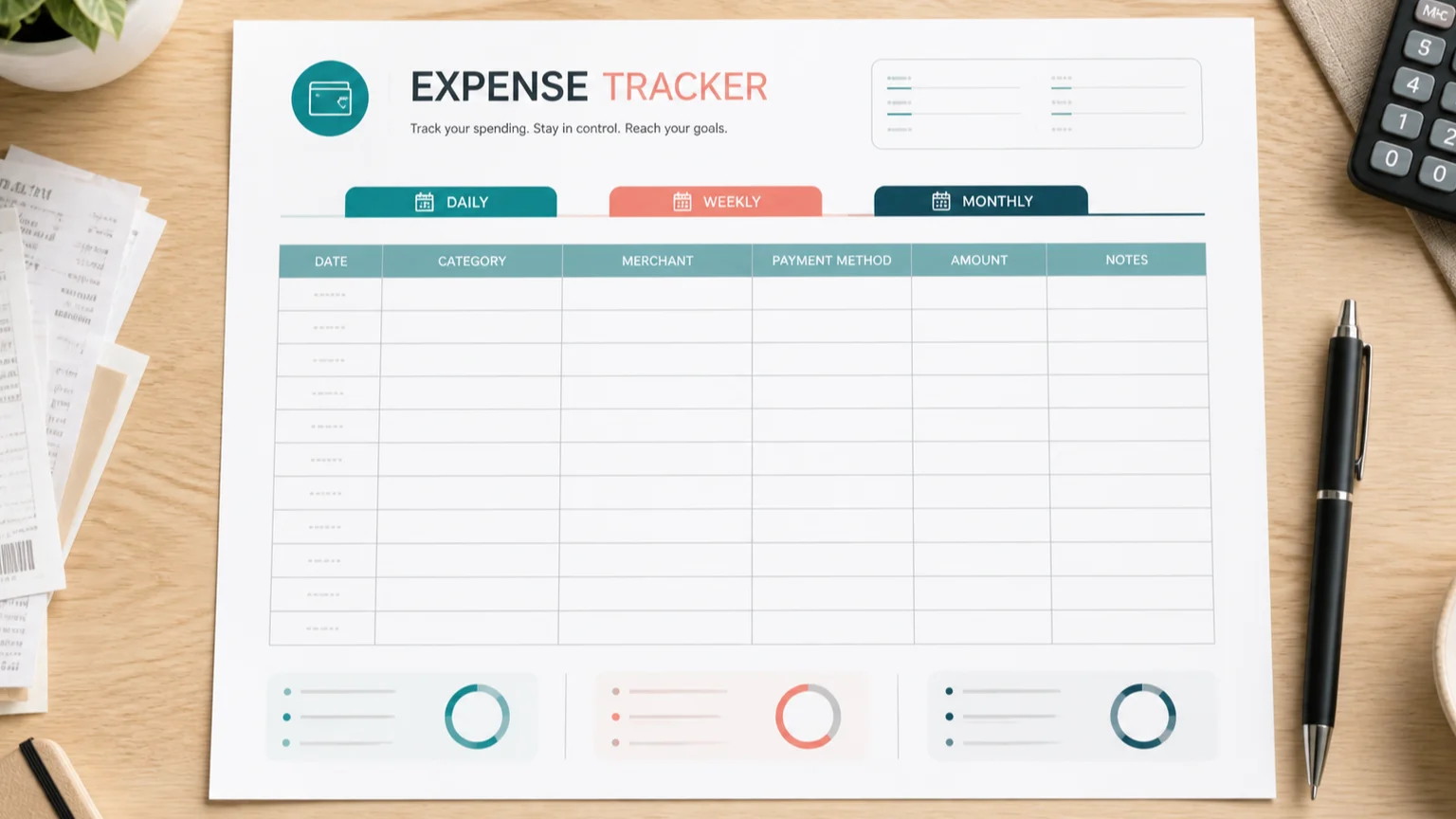
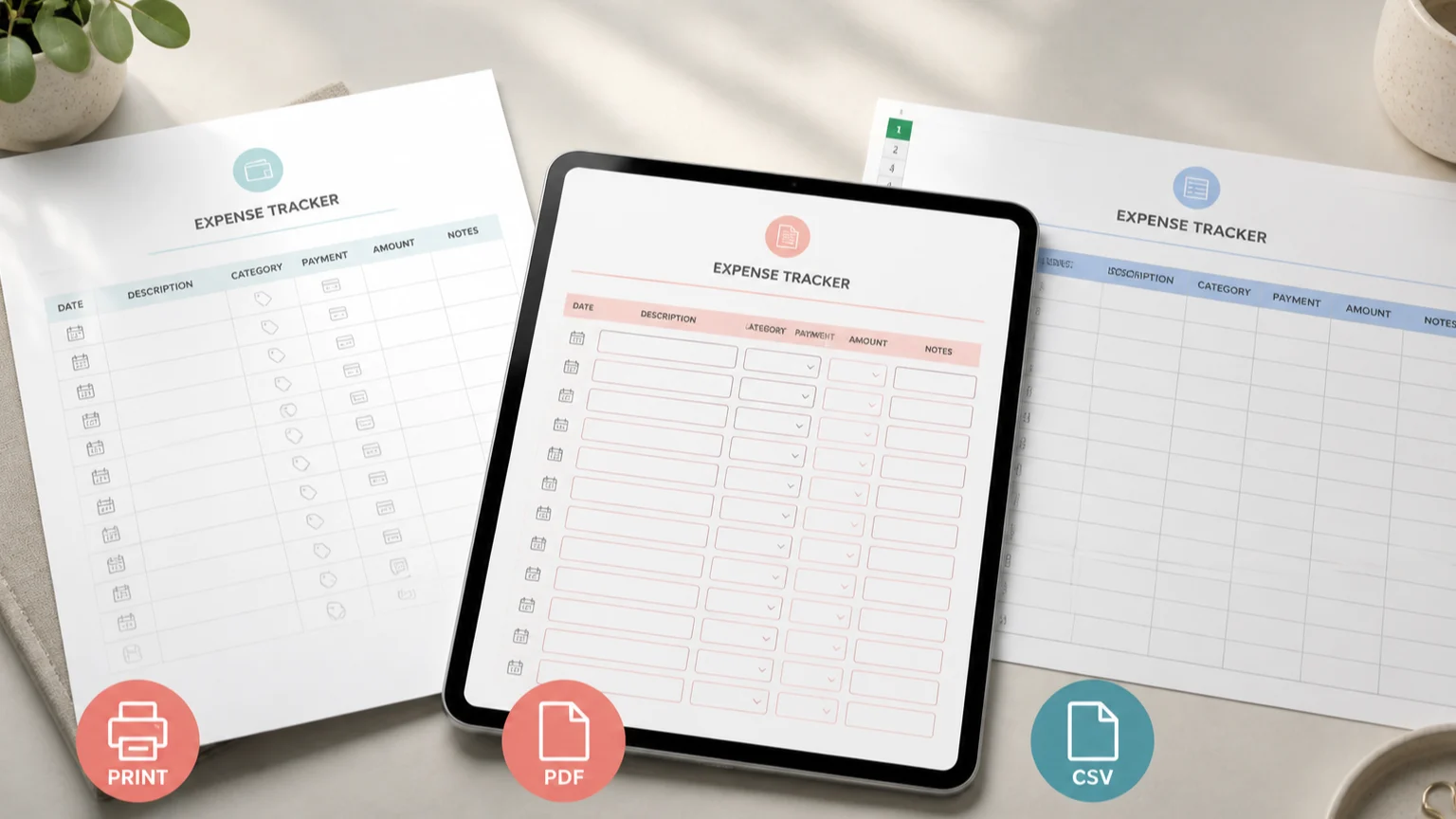
Download the expense tracker printable as a blank PDF for handwriting or as a fillable PDF for typing in a compatible reader. The CSV export provides the same localized column headings and blank rows for a spreadsheet. No amount is entered on this page, and the tool performs no hidden totals, formulas, currency conversions or rounding.
The expense log stays focused on transaction records, with the fields people commonly look for in a spending tracker.
Label the expense tracker printable for a specific day, ISO week or calendar month.
Classify each purchase and record the merchant, payee or item so the entry is meaningful later.
Note cash, debit, credit, transfer or another method without connecting a bank account.
Write the transaction amount exactly and use notes for context, receipt details or reimbursements.
Move the same blank expense tracker columns to paper, a fillable PDF or a spreadsheet-ready CSV.
Customize the blank template locally; enter private transaction details only in the file you keep.
Four clear choices turn a blank expense sheet into a repeatable spending record.
Pick the shortest period you can review consistently. Daily suits dense or special-purpose tracking, weekly makes frequent reviews manageable, and monthly pairs well with a monthly budget.
Choose a periodSelect the relevant date and choose 8–32 entries. Use Letter for many North American printers, A4 internationally or A5 for a compact binder.
Customize the sheetHandwrite the blank expense tracker printable, type into the fillable PDF, or open the CSV in spreadsheet software. The CSV contains headings and empty rows, not uploaded transaction data.
Choose an exportRecord a card purchase when it happens. If you later track the card bill, do not count that payment as the same expense again. This sheet does not calculate or round totals for you.
Read the printing guideAnswers shaped by searches for printable spending logs, expense sheets, fillable PDFs and CSV templates.
An expense tracker printable is a paper or PDF transaction log. It records what you spent, when you spent it, the category, merchant, payment method, amount and any useful note. It documents actual spending rather than setting planned limits.
A simple spending tracker usually needs date, category, merchant or description, payment method, amount and notes. Those six columns appear in every expense tracker printable generated here.
Choose the interval you will maintain. Daily tracking suits frequent cash purchases or short projects, weekly tracking supports regular review, and a monthly expense tracker gives one list to compare with a monthly budget.
Yes. You can create a blank or fillable expense tracker printable and download the CSV template without an account, email gate, payment or watermark.
Yes. Select Fillable before downloading, then type into the transaction cells with a compatible PDF reader. Select Blank when you prefer to print and handwrite entries.
The CSV contains localized headings for date, category, merchant, payment method, amount and notes, followed by the number of empty rows you selected. Open it in compatible spreadsheet software and save it somewhere secure.
No. The generator creates blank records and does not ask for amounts, calculate totals, convert currencies or round values. If you add formulas after opening the CSV, their behavior is controlled by your spreadsheet software.
An expense tracker records transactions that happened. A budget planner sets planned income and spending amounts. Use the expense tracker printable for actual purchases, then compare category totals with your budget separately.
Record each card purchase as an expense on its transaction date. When you later pay the card statement, treat that payment as settling the card balance rather than recording every purchase again.
No amount fields appear on this web page. The blank expense tracker printable is generated locally; you add transaction details only after downloading or printing and control where the completed file is stored.
Need another expense tracker layout?
Choose daily, weekly or monthly, then set the date, rows, paper and PDF format.
Download a blank expense tracker as a PDF or CSV without entering private amounts online.
Free for personal use • No watermark • Blank PDF, fillable PDF or CSV