Dates that work backwards
Start from the event date, then adapt milestones for your venue, location, culture and planning runway.
Wedding Planner Printables
Use this wedding planner printables hub as the front door to two focused tools: a wedding planner for the records that change and a wedding checklist for date-based tasks. Start with the broad plan, then print only the pages that help your next decision.
One planning hub • Two focused tools • PDF and CSV-friendly records
These wedding planner printables separate changing information from dated work: the planner holds the details, while the checklist sets the order. Use either one or keep both together.
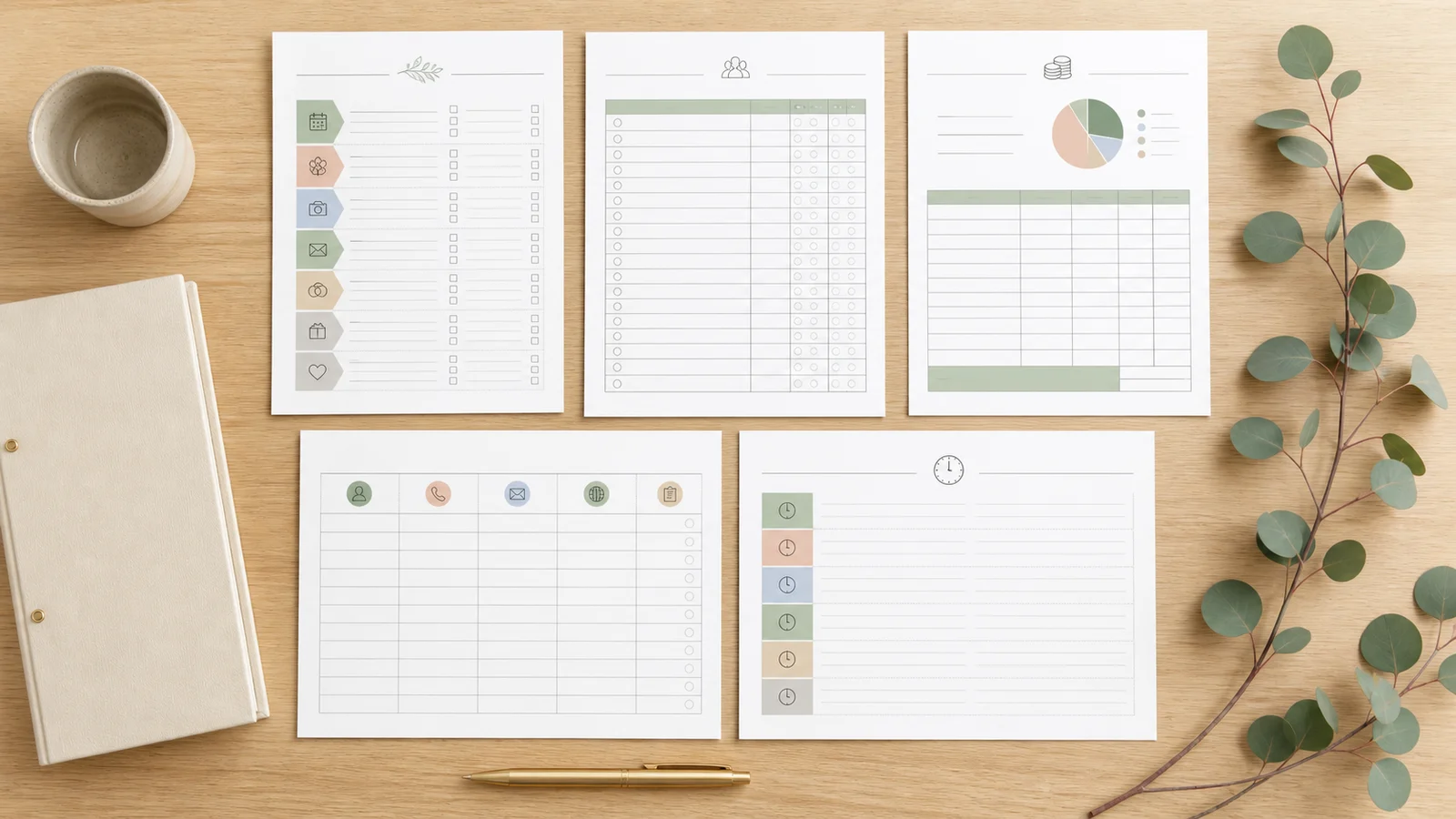
Organize the working details behind the event: budget estimates and actual costs, guests and RSVP status, vendor contacts, payment dates and a wedding-day schedule. Export shareable records when a partner, planner or coordinator needs the latest version.
Open wedding plannerEnter the wedding date to turn broad milestones into real calendar dates. Review tasks by planning phase, adjust what does not fit your celebration and print a shorter countdown for the weeks that matter now.
Build wedding checklistMove between five practical views without treating a generic checklist as a rulebook for every wedding.
Work backwards from the wedding date and see what belongs to the current phase.
Open timelineTrack invitations, responses, plus-ones, meal notes and contact details.
Manage guestsKeep contacts, contract status, deposits, balances and arrival details together.
Track vendorsCompare estimated and actual costs without losing deposit or balance dates.
Plan budgetBuild a handoff schedule with times, owners, locations and vendor arrivals.
Plan the dayA useful planning system separates changing records from dated actions, then reunites them before the wedding day.
A guest count affects catering, rentals and the budget; a vendor payment belongs in both the cost record and the planning timeline. The wedding planner keeps those changing facts in consistent tables so you can update one working set instead of collecting unrelated downloads. Print the sections you need for meetings and keep an editable export for the next revision.
Your full planning file can be detailed; the person answering a vendor call on the wedding morning needs a smaller packet. Turn the final schedule, essential contacts, remaining payments and a last check into a clear handoff. Confirm every time and responsibility with the people involved because travel, ceremony traditions and venue rules vary.
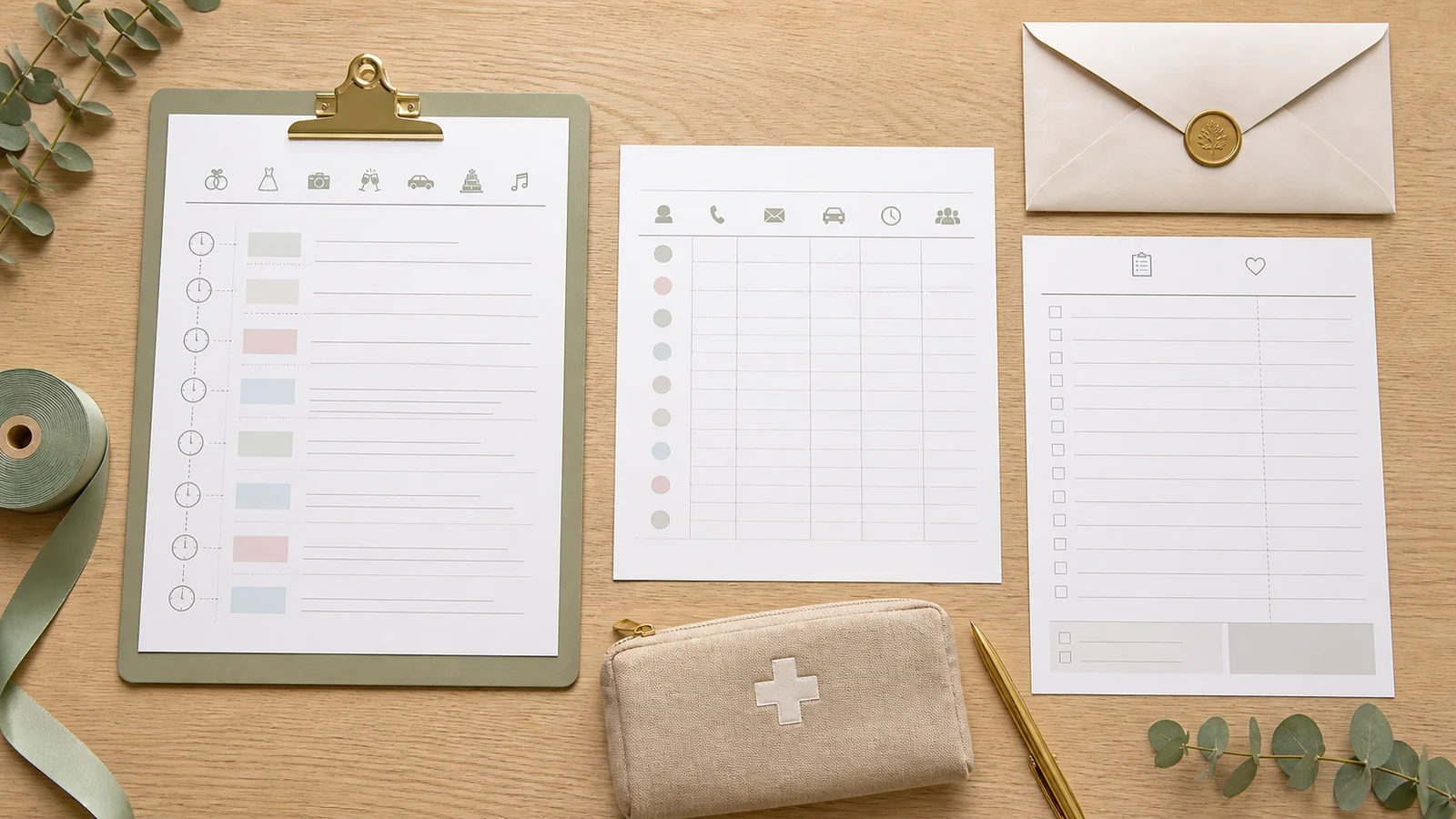
The core pages answer practical questions: what is due, who is coming, who is supplying what, what is owed and who owns each moment.
Start from the event date, then adapt milestones for your venue, location, culture and planning runway.
Record invitation and response status, plus-ones, meal notes and only the contact details you need.
Pair each contact with contract, deposit, balance and wedding-day arrival information.
Keep estimates, booked amounts, payments and balances separate so one total does not hide what is still due.
Give each important task or moment a responsible person instead of assuming the couple will handle everything.
Use the working file for revisions and print a focused meeting, countdown or wedding-day copy when it is useful.
Build a lean system from the date outward, then review it at clear handoff points.
Use the confirmed date when you have one. If it is not fixed, begin with budget, an approximate guest count and venue research; regenerate the dated checklist after the date is confirmed.
Start the checklistGuest count affects venue capacity and many per-person costs. Keep a rough list beside the budget before either number is treated as final.
Open the plannerFor every booking, keep the contact, agreed scope, contract date, deposit, remaining balance, due date and arrival details in one row.
Track vendorsConfirm the latest timeline with the venue and vendors, assign a responsible person for each handoff and share only the contacts and payment notes they actually need.
Build final checklistThis hub starts with the wedding planner and wedding checklist. The planner now includes a practical table-based seating worksheet; specialized visual floor plans will be added only when search and usage data show a real need.
Answers shaped by common searches for printable wedding checklists, timelines, guest lists, budget sheets and day-of schedules.
A useful core set includes a date-based task timeline, guest and RSVP list, vendor and payment tracker, estimated-versus-actual budget, and wedding-day schedule. Add specialty pages only when your event actually needs them.
Start once you have a working date or date range, budget limit and rough guest count. Many examples use a 12-month timeline, but your checklist should expand or compress around venue availability, travel, legal requirements and cultural traditions.
The planner stores changing records such as costs, guests, vendors and schedules. The checklist orders actions by date or planning phase. Use the checklist to decide what is next and the planner to hold the details behind that action.
Draft them together. The budget limits venue and per-person spending, while the guest count changes catering, rentals and venue capacity. Begin with rough versions, compare them, and revise before committing.
Useful fields include name, household, contact details, invitation status, RSVP, plus-one, meal or accessibility notes, and thank-you status. Collect only information you need and share dietary or accessibility details carefully.
Record the business and contact person, agreed service, contract date, deposit, balance and due date, cancellation terms, arrival or delivery time, and the person responsible for day-of communication. Keep signed contracts separately.
Share the relevant version with the venue contact, planner or coordinator, key vendors and trusted helpers who own a task. Not everyone needs private budget notes or the full guest list, so make a smaller handoff copy.
They solve different jobs. A spreadsheet or editable tool is easier to update and total; paper is useful in meetings and on the wedding day. Keep one editable source, then print a dated copy for a specific purpose.
Yes. The wedding planner includes a table-based seating worksheet for table names, capacity and assigned guests. It is designed for headcount and handoff rather than drag-and-drop floor-plan drawing.
Is an important planning view missing?
Use the wedding planner for the details that change: budget, guests, vendors and day-of timing.
Use the wedding checklist to turn your date into the next practical action.
Focused tools • Practical exports • No thin template bundle