Date-driven countdown
Move the wedding date and every suggested deadline recalculates automatically.
Wedding Planner Printable
Turn your wedding date into a practical countdown, then manage budget, guests, vendors, seating, gifts and the day-of run sheet in one wedding planner printable. Your records stay on this device until you export them.
Free • No account • Local browser storage • PDF and CSV export
Choose a date and the wedding planner printable calculates deadlines automatically. Edit every working table, then export one current PDF or CSV when you need to share it.
These planning deadlines move with your wedding date. Treat them as a practical starting point, then confirm lead times with your venue, suppliers and local authority.
Saved locally on this device
Guest and vendor details are stored in this browser, not sent to our server. Clearing site data removes them, so export a backup before switching devices.
A good wedding planner printable connects deadlines and records instead of making you update unrelated sheets.
Generic twelve-month lists become misleading when your engagement is shorter or longer. Enter the real wedding date and each milestone receives a calendar date. You can tick tasks off, change the event date and keep the working sequence. The dates are guidance, not promises: venue availability, legal notice periods, travel and cultural traditions may require earlier action.
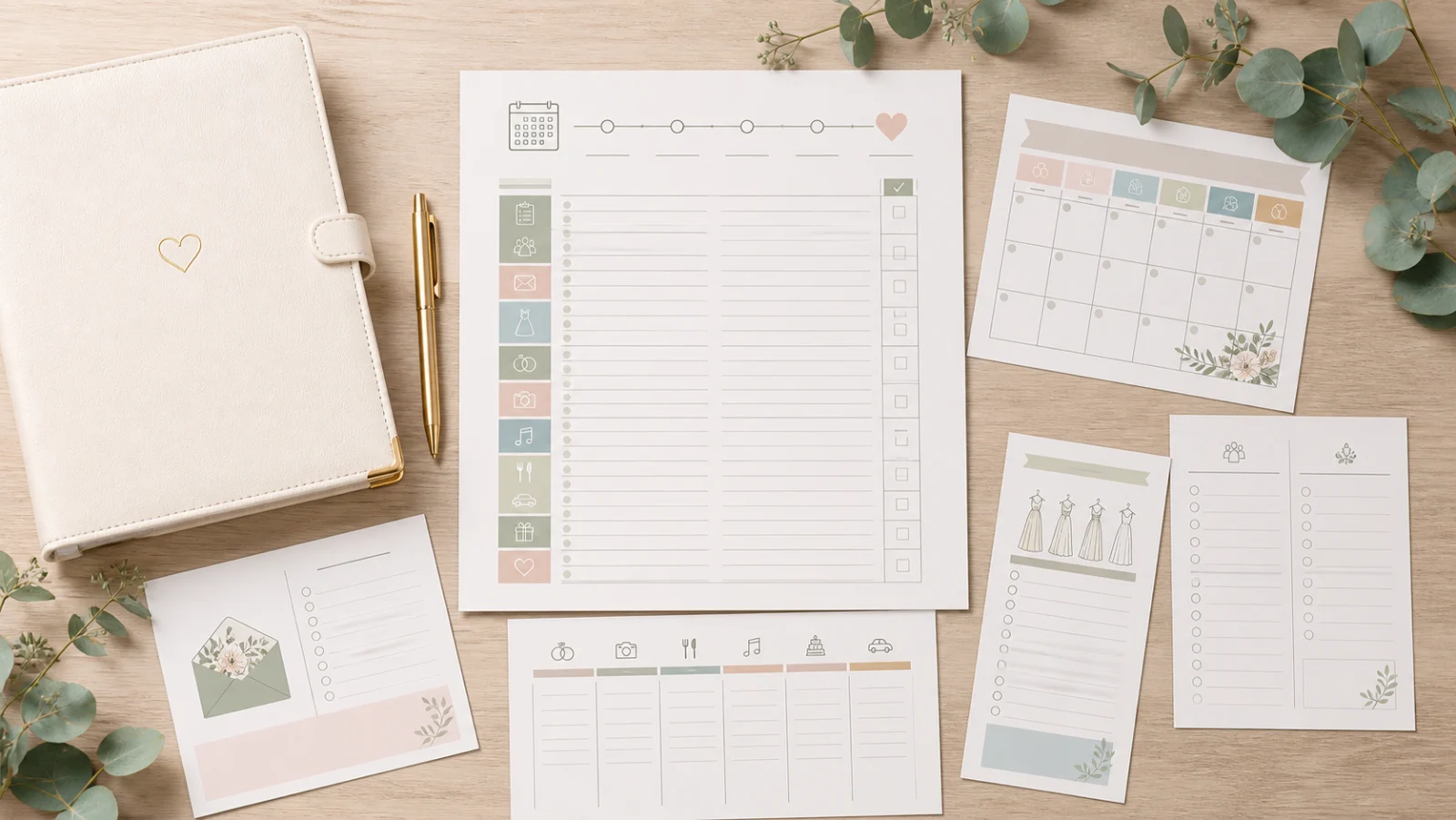
Budgets change after quotes, guest counts change after RSVPs and seating changes until the final week. Keep one editable wedding planner printable in local browser storage, then export CSV for a working backup or PDF for a meeting and day-of handoff. The downloadable copy reflects the latest saved state instead of forcing you to rewrite a static worksheet.
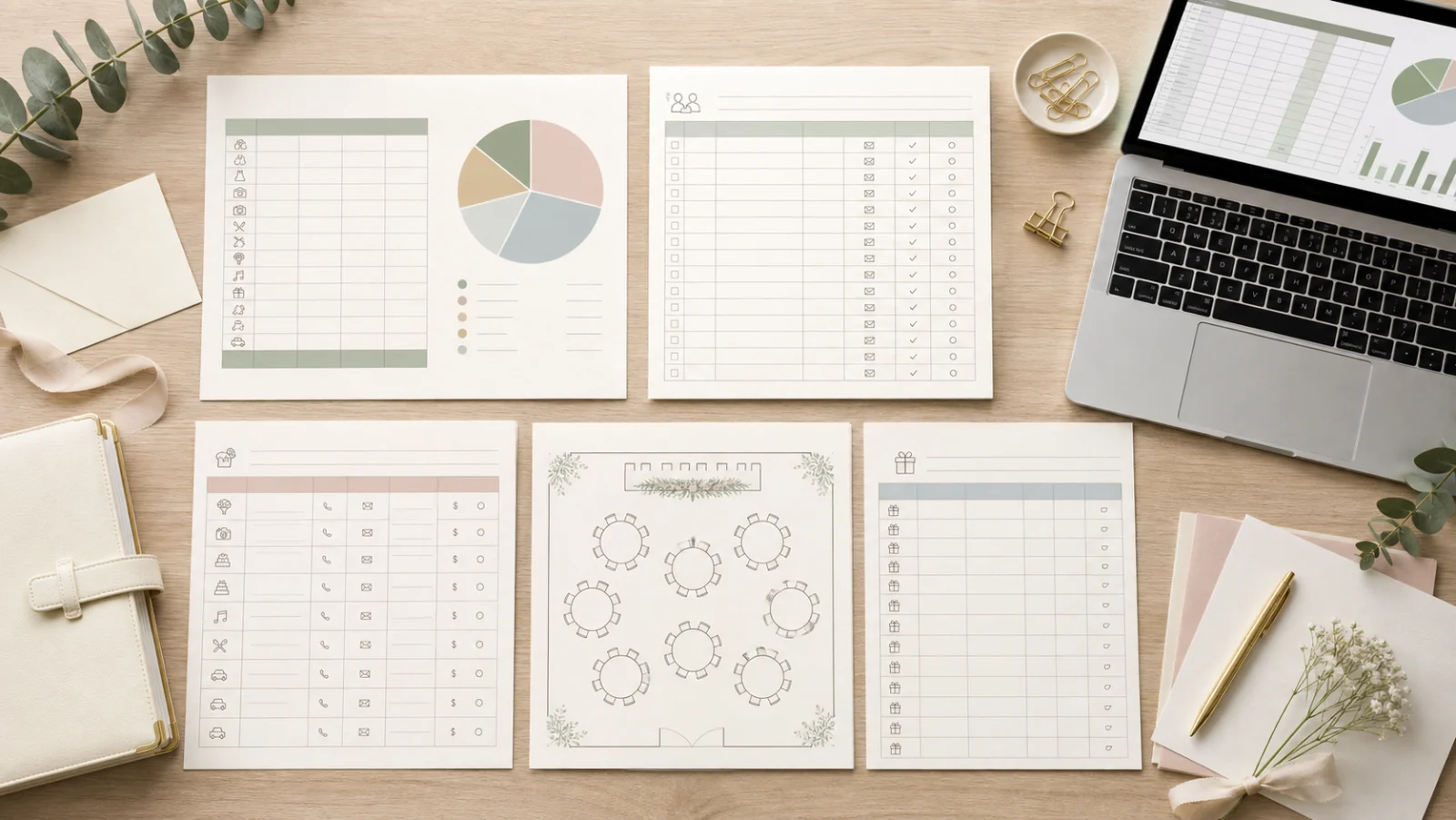
Each module answers a practical planning question and remains editable until you choose to export it.
Move the wedding date and every suggested deadline recalculates automatically.
Separate estimates, actual commitments, paid amounts and the balance still due.
Keep response status, meal or access notes and table assignment in one row.
Pair every supplier contact with the remaining balance and its due date.
Check table capacity and keep thank-you tracking in a private working view.
Create a readable handoff PDF or a flexible CSV backup from the same local data.
Start with the constraints that shape every later decision, then export only when the copy has a clear purpose.
These three numbers shape venue capacity, cost per person and the time available. If the date is provisional, revise the wedding planner printable when it becomes firm.
Set wedding detailsRecord the agreed service, contact, total commitment, payment made and next due date. Keep signed contracts outside the planner and verify any cancellation terms there.
Open vendor trackerUse the guest list as the source for headcount, meal needs and tables. Check accessibility and dietary information with care and share it only with people who need it.
Manage guestsConfirm timing with the venue and vendors, assign an owner to every handoff, then export the latest PDF. Print at 100% or keep a digital copy available offline.
Read printing guideAnswers based on common searches for wedding checklists, budget spreadsheets, guest lists, seating charts and day-of timelines.
A useful wedding planner printable should cover a date-based checklist, budget, guest and RSVP list, vendors and payments, seating, gifts and a wedding-day timeline. Keep editable data as the source and print a focused copy for meetings or handoff.
Start as soon as you have a working date range, budget and rough guest count. A twelve-month checklist is common, but a wedding planner printable should compress or expand around your actual date, venue availability, travel and local legal requirements.
Yes. The planner works without an account or watermark. You can save locally, edit every module and export PDF or CSV without a fee.
Guest, vendor and budget data stay in this browser's local storage and are not uploaded to our server. Export CSV as a backup before clearing site data, using private browsing or moving to another device.
Use both formats for different jobs. CSV is easier to back up and continue editing; a PDF or printed wedding planner printable is easier to review in a meeting or hand to a coordinator on the wedding day.
Begin with your total limit and rough guest count, then collect local quotes for the venue, catering and priority suppliers. Track estimates separately from actual contracted amounts, deposits and remaining balances.
Record the guest name, RSVP status, meal or accessibility note and table assignment. Add contact details only when you need them, and avoid sharing the full guest list with vendors who need only a final count or dietary summary.
Draft table groups early if it helps with capacity, but wait until most RSVPs are final before assigning every seat. Recheck declined guests, plus-ones, accessibility needs and venue table sizes before export.
Give the relevant version to your venue contact, coordinator, key vendors and trusted helpers who own a task. Remove private budget, gift and guest information they do not need.
Yes. Save the PDF to the devices that need an offline copy. If you print it, use the latest exported version, add the revision date and replace outdated handoff copies.
Is a planning field or export missing?
Set the wedding date and get a usable countdown immediately.
Keep changing records private, then export the right version as PDF or CSV.
Free • Local storage • No sign-up • PDF and CSV