All four operations, alone or mixed
Addition, subtraction, multiplication and division. Tick one for a focused drill, or tick several and the questions are dealt out evenly and shuffled into a mixed review page.
Math Worksheet Generator
Our math worksheet generator builds addition, subtraction, multiplication and division practice as a print-ready PDF. 100% free.
No sign-up, no watermark: unlimited math worksheets, and every answer is calculated from the question rather than typed by hand.
Everything in the math worksheet generator updates live. Change the number range or hit shuffle and the whole page — questions, answer key and score box — is rebuilt instantly.
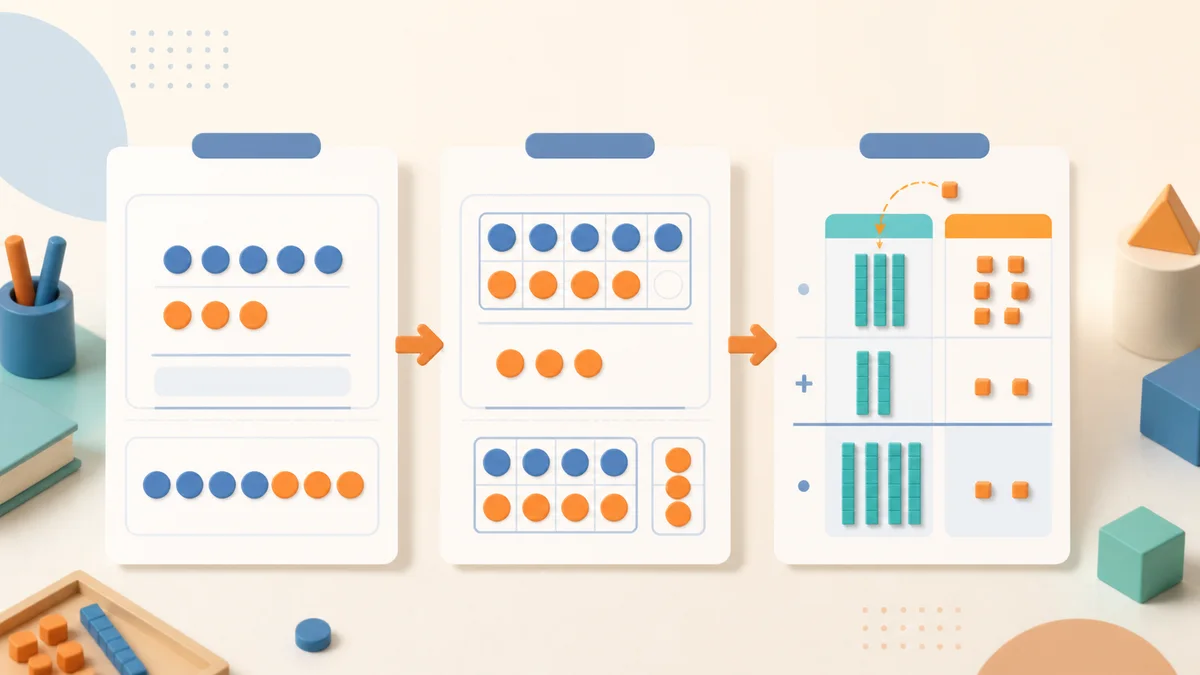
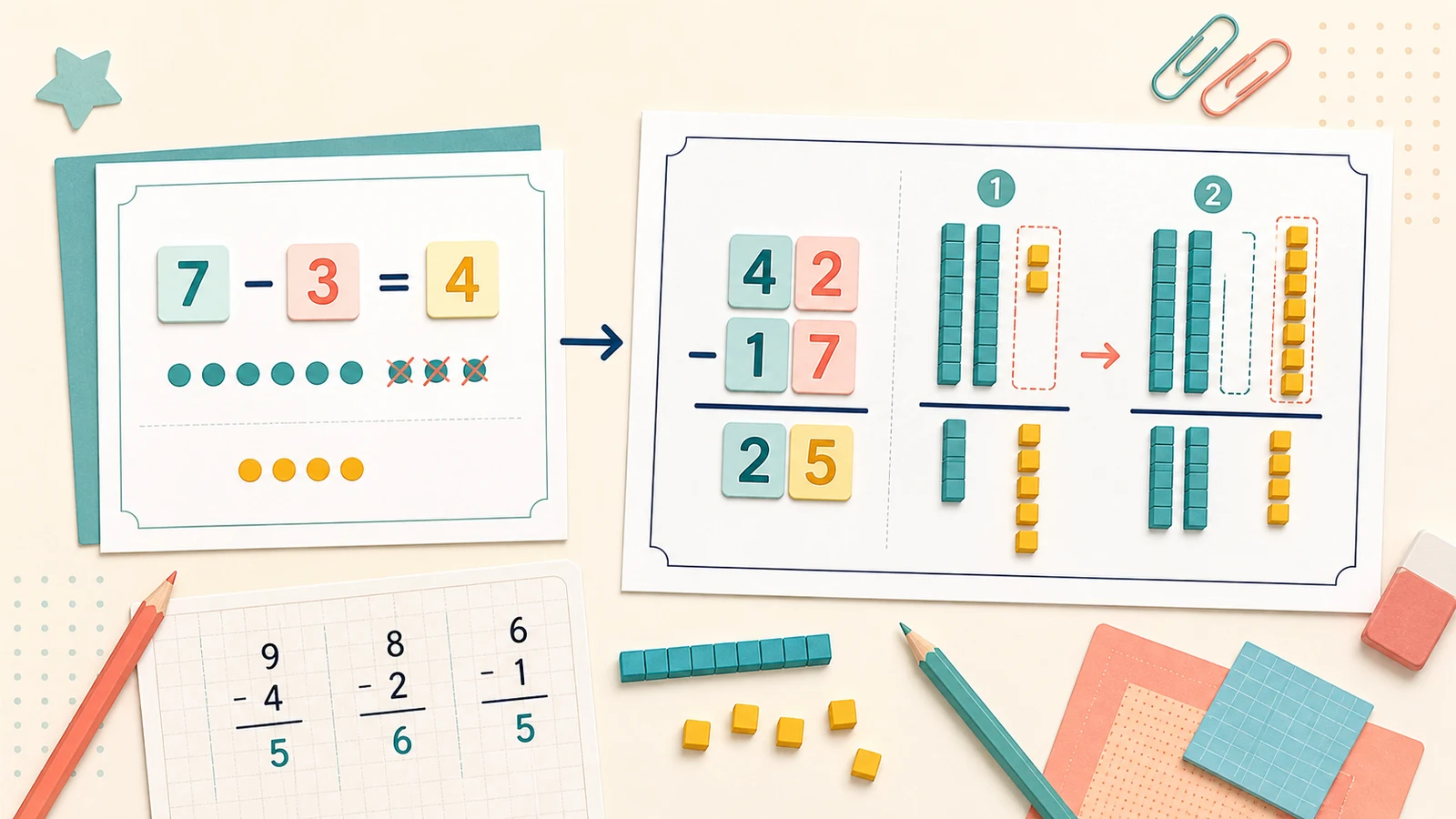
Grade 2: two-digit column addition and subtraction with regrouping.
Pick one for a focused drill, or several for a mixed review page.
Used for both terms in + and −, and for the big number in ×.
Stacked column form, with long division for ÷. Best for written methods.
Move the blank onto a term to turn the page into missing-number practice.
Answer only — fits the most questions on one page.
Same seed, same worksheet. Shuffle for a brand-new set of questions.
Loading numerals…
16 answers calculated from the questions and re-checked automatically.
Questions are generated and drawn into a vector PDF inside your browser. Nothing is uploaded to any server. How to print at actual size (100%)
A downloaded sheet is finished the moment a child has done it. A math worksheet generator keeps producing new practice for the same skill.
Need focused addition rather than a mixed review? Open the dedicated addition worksheet generator for sums within 10 or 20, two-digit carrying, missing addends and up to 30 different classroom copies with answer keys.
Target subtraction within 10 or 20, two-digit borrowing, missing minuends or subtrahends, and nonnegative answers. Build one printable sheet or up to 30 different classroom copies with matching answer keys.
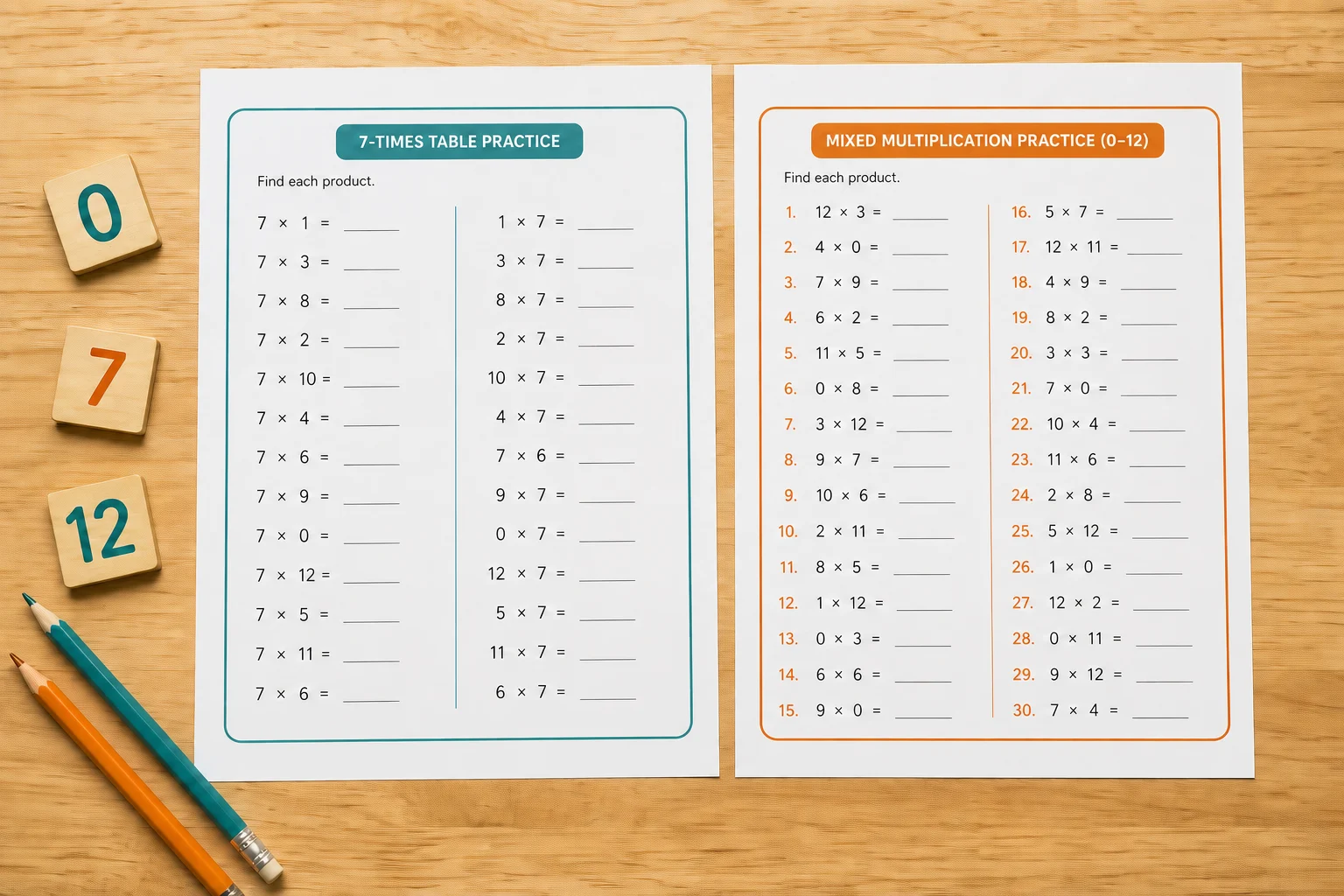
The all-operations tool is useful for review, but times-table practice needs tighter controls. Open the dedicated multiplication worksheet generator to choose one 0–12 table or an exact mixed set, add timed or missing-factor practice, and download a checked answer key. Its no-replacement question pool also prevents duplicate equations when enough unique facts are available.
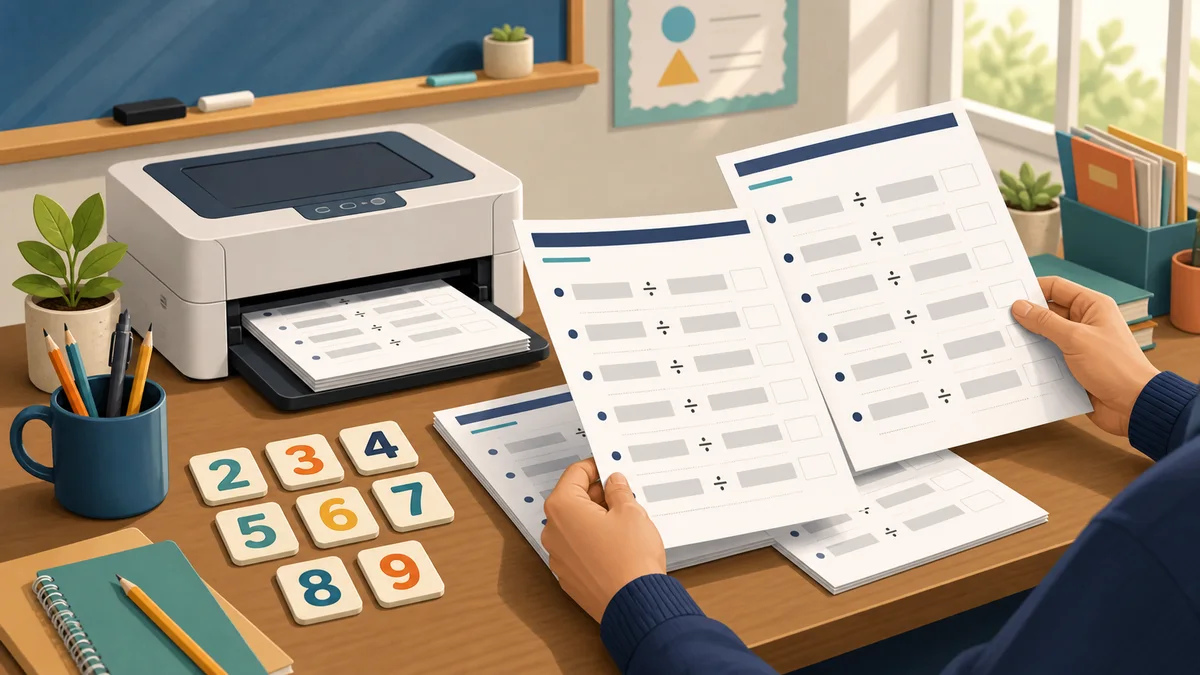
Build focused exact-division practice with one-digit divisors from 2 to 9. Set the dividend range, question count and working space, then create one sheet or up to 30 classroom versions with automatically checked answer pages.
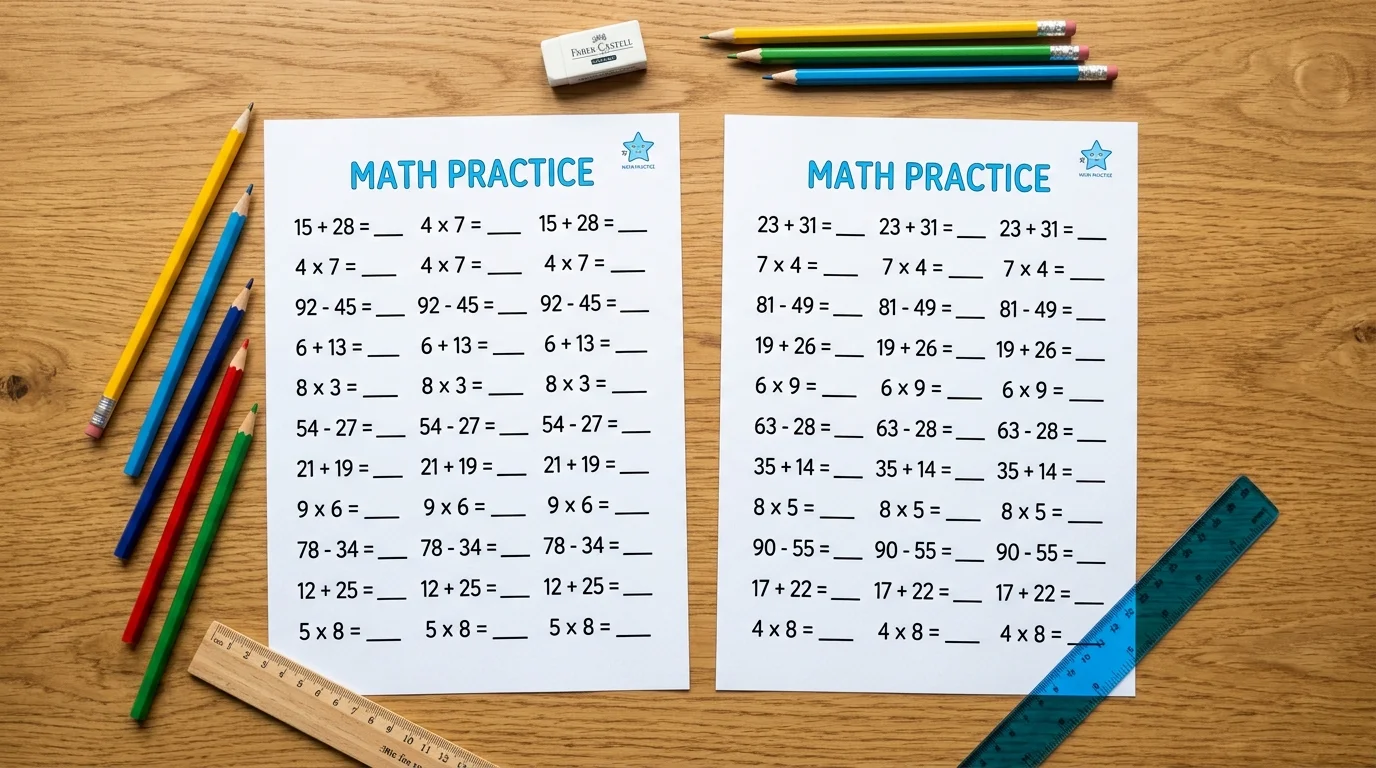
Once a child has worked through a fixed page, its practice value is spent — they start recalling answers instead of calculating them. This math worksheet generator draws a new set of questions from your number range every time you press shuffle, so Monday's page and Thursday's page are genuinely different while testing exactly the same skill. Every sheet carries its seed in the footer, so you can reprint the identical page for a child who was absent.
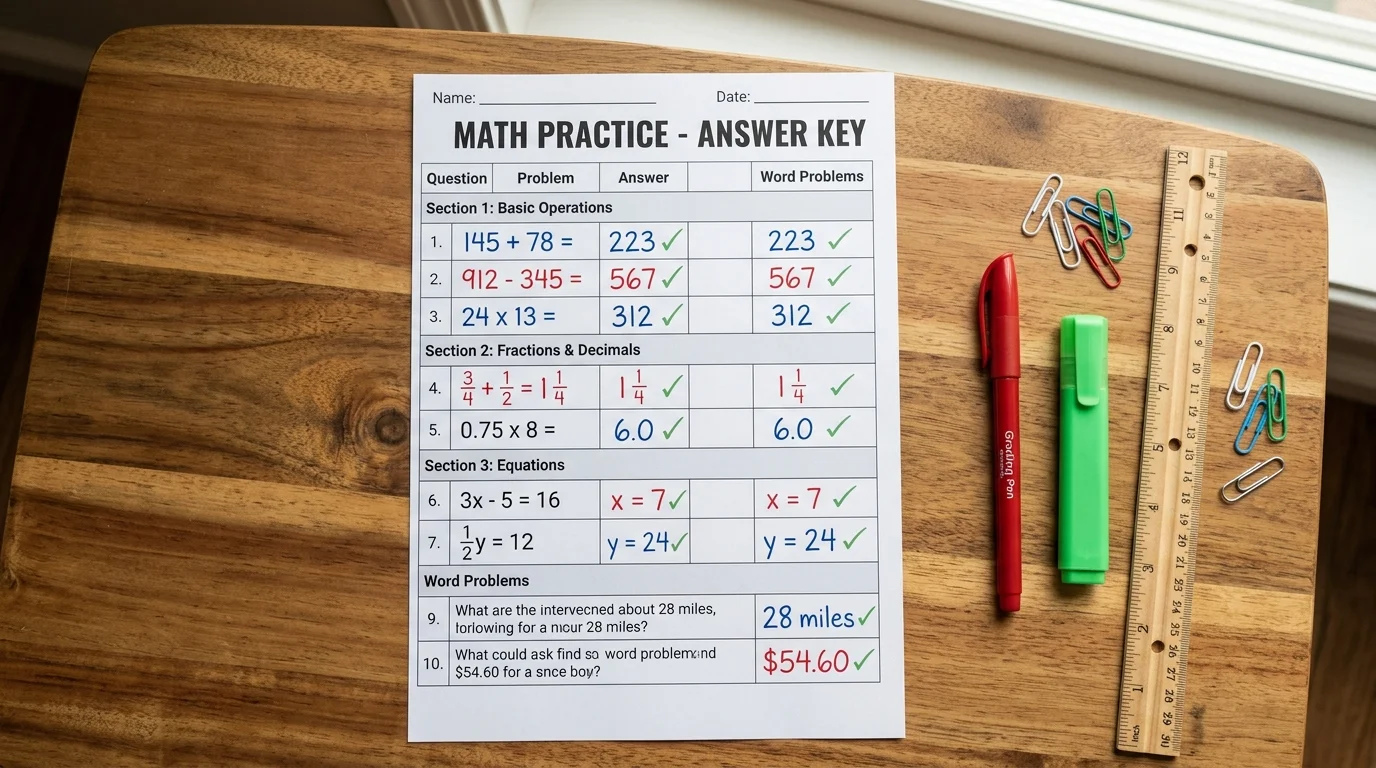
The most damaging mistake a worksheet can make is a wrong answer key — a child is marked down for being right. Here the answer is never typed: it is calculated from the two numbers in the question, then every question is re-evaluated before the page is drawn, and the count of checked answers is shown to you in the panel. Division is verified against divisor × quotient + remainder, so remainder questions are safe too.
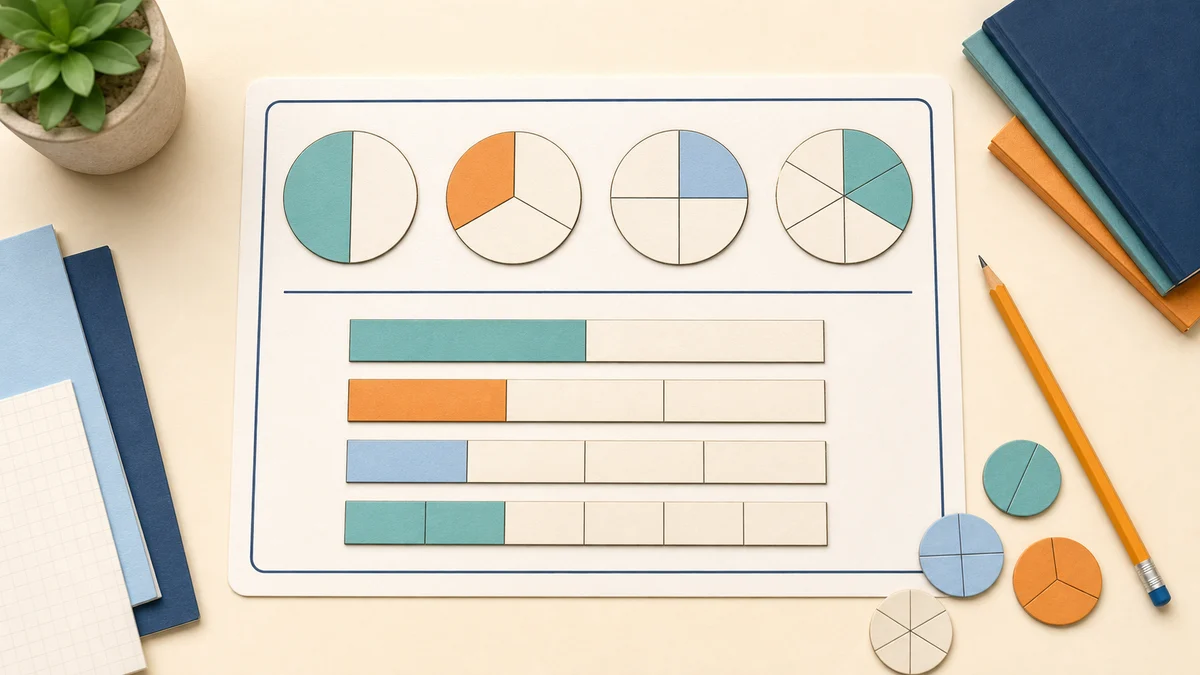
Create focused fraction worksheets for recognition, equivalent fractions, comparison, simplification, addition, subtraction, multiplication and division.
Every control in this math worksheet generator exists because a real classroom or kitchen table needed it.
Addition, subtraction, multiplication and division. Tick one for a focused drill, or tick several and the questions are dealt out evenly and shuffled into a mixed review page.
One tap tells the math worksheet generator the number range, the layout and the question count for that year: within 5 for kindergarten, within 20 for grade 1, two-digit regrouping for grade 2, times tables for grade 3, and long division by grade 5.
Horizontal for number-fact fluency, column form for the written method — including a proper long division bracket with the quotient above the bar, not a sum squeezed sideways.
Choose blank space under each question, or 5 mm squares so hundreds, tens and units stay in their columns — the single most common cause of wrong answers in written arithmetic.
A name and date line at the top and a score box out of the real question count, so a marked page is ready to hand back without you drawing anything by hand.
A4 or US Letter, portrait or landscape, drawn as vector geometry so the numbers stay crisp at any size. Answer key pages are appended at the end, ready to keep back from the class.
From an empty page to printed math worksheets with answers in well under a minute.
Open the math worksheet generator and start with the grade preset closest to the child, then tick the operations you want. The preset sets a sensible number range and layout; from there every control is yours to change.
Set the smallest and largest numbers, then decide whether carrying and borrowing are allowed and whether division may leave a remainder. Questions that break your rules are simply never generated.
Move the blank onto the first or second term to turn the page into missing-number practice.
Horizontal keeps more questions on a page; column form suits written methods. Add squared working space when a child is learning to line digits up, and the page count adjusts automatically.
Twenty questions is a comfortable single page for most children; use the score box to mark out of that total.
Download the PDF — questions first, answer key pages last — then choose Actual size or 100% in the print dialog rather than Fit to page, so squares and column widths stay true.
Read printing guideAnswers about cost, answer keys, grades, layouts and printing.
Yes, completely. There is no account, no email wall, no watermark and no limit on how many math worksheets you generate or print. Every option in the math worksheet generator, including the answer key, is available to everyone.
Yes. Tick the answer key option and the PDF gets a matching answer page for every question page, appended at the end so you can hand out the questions and keep the answers. Each answer is calculated from the question itself and re-checked automatically before printing — the panel shows you how many were verified.
Kindergarten through grade 5, roughly ages five to eleven. The grade buttons set number ranges and layouts that match the usual progression: adding within 5, then within 20, then two-digit regrouping, times tables, and long division. Because you control the ranges directly, this math worksheet generator stretches a year or two either side of the grade you pick.
Yes — turn off 'Allow carrying and borrowing'. The generator then only creates questions where no column needs regrouping, checked digit by digit rather than by looking at the total. If your number range makes that impossible, it tells you instead of quietly printing questions that break the rule.
Switch the layout to Column. Addition, subtraction and multiplication are stacked in the standard vertical form with a rule and an answer space; division is drawn as a proper long division bracket with room for the quotient above the bar and the working below it.
Both. With remainders switched off, every question divides exactly, because the generator builds each one from a divisor and a quotient rather than dividing two random numbers. Switch remainders on and the answer key shows the quotient with 'r' and the remainder.
Twenty is a comfortable single page for most primary children, and a timed set of thirty works well as a fluency drill. You can generate from 4 to 60; when they no longer fit, extra pages are added and numbering continues, with matching answer pages.
Yes. Press Shuffle and the math worksheet generator draws a completely new set within the same settings, so the same worksheet can be reprinted all term without a child memorising the answers. Each page prints its seed in the footer, so you can reproduce an identical sheet later — useful when a child was absent or needs the same test twice.
Yes. Print and photocopy them for your own pupils freely, with no attribution and no licence to buy. What is not allowed is selling the generated pages or bundling them into a printable product for resale.
The print dialog is scaling the page. Choose Actual size or 100% rather than Fit to page, and make sure the paper size in the generator matches the paper in your printer — A4 in most of the world, US Letter in North America.
Spotted a question that looks wrong?
Choose a grade, tick the operations you want and print your math worksheets in under a minute.
Our math worksheet generator is free, needs no sign-up, and never sends what you type to a server.
Free • No sign-up • Answer key included