Spacing in millimetres or inches
3 mm for dense planning, 5 mm for the bullet-journal standard, 7 mm for large handwriting, or a quarter inch to match North American notebooks. Switch units and the value converts rather than resetting.
Dot Grid Paper Generator
Dot grid paper gives you structure without lines running through your work. Set the dot spacing in millimetres or inches, choose how big and how dark the dots are, pick A4, A5 or Letter, and download a sheet that prints at true scale.
Free, no sign-up, no watermark — vector PDF and PNG generated in your browser.
The preview is drawn to scale from the same geometry that goes into the PDF, so the dot spacing you see is the dot spacing you get.
5 mm is the bullet-journal standard; 3–4 mm suits dense planning and 7–8 mm suits large handwriting.
Every sheet is drawn as vector geometry inside your browser. Nothing is uploaded and nothing is stored. How to print at actual size (100%)
The whole point of dotted paper is that it disappears once you write on it. That only works if the dots are the right size at the right pitch — which is exactly what you control here.
Almost every bullet journal on the market uses a 5 mm dot pitch, and that is the default here — but it is a real 5 mm, not an image someone scaled once. Every sheet is written into the PDF as vector geometry at true PostScript points, so a ruler laid across ten dots reads 50 mm. Print a page, compare it against the notebook you already own, and the two grids line up.
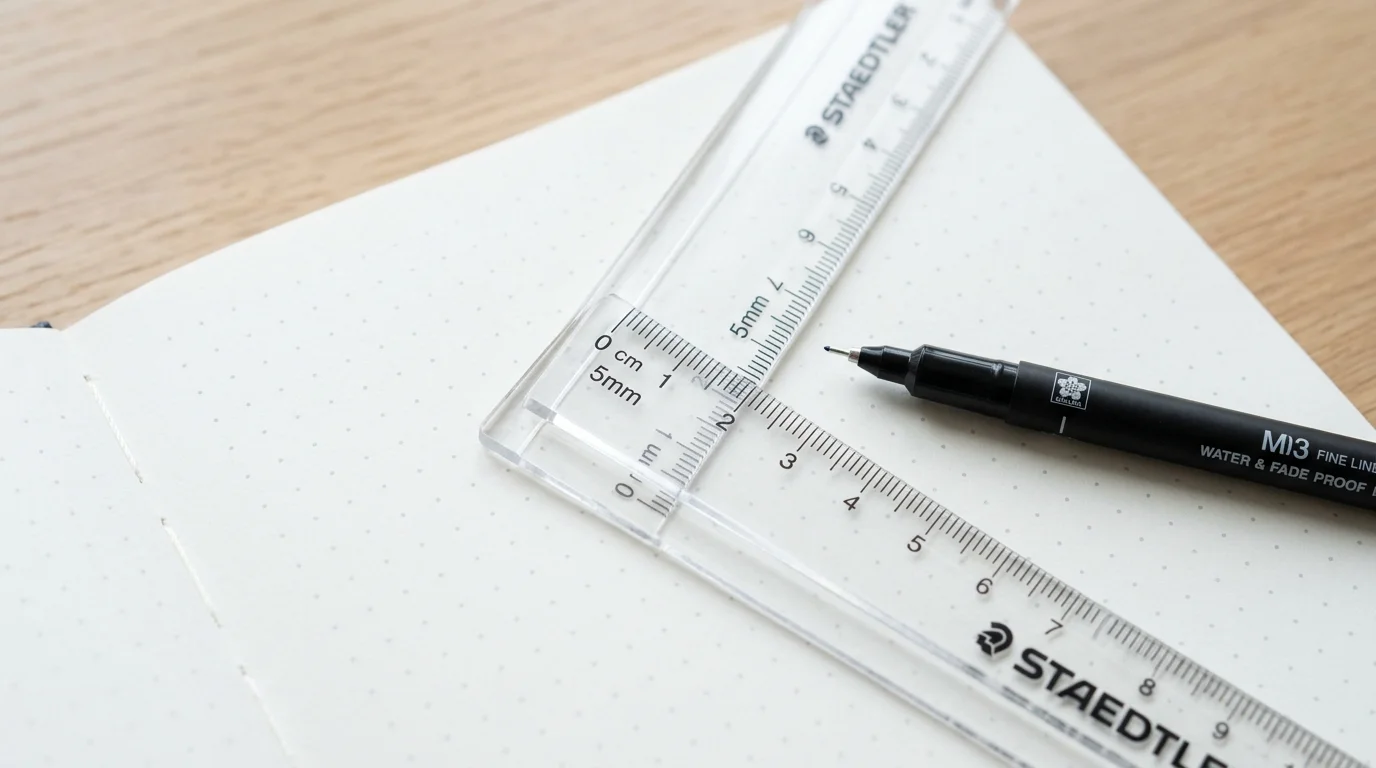
A dot that is too big becomes a smudge under your pen; one that is too pale vanishes under warm lighting. Here the dot radius and the ink darkness are separate sliders, so you can find the point where the dot grid paper is visible while you plan a layout and invisible in the photo you post afterwards. Add a heavier dot every few cells if you want anchor points for measuring.
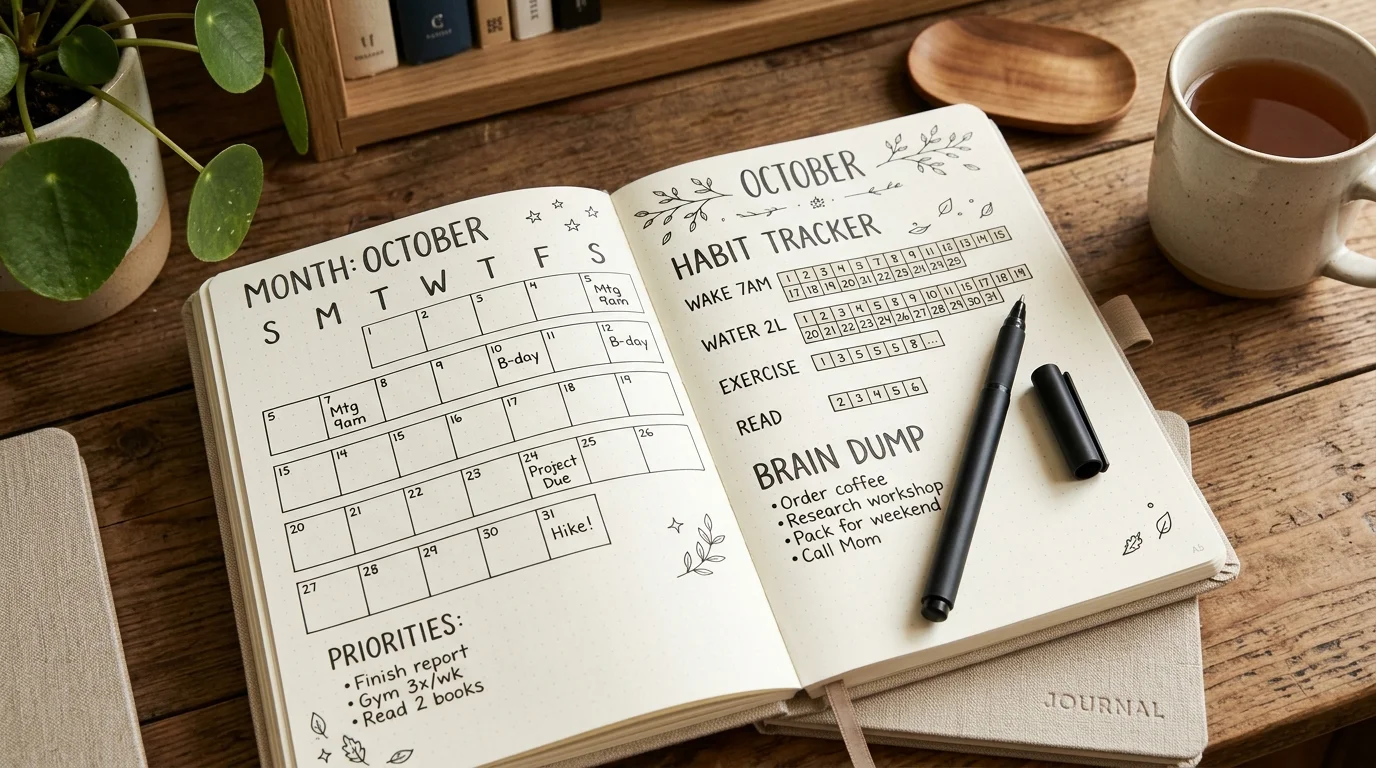
Built for the way people actually use dotted paper — journalling, sketching, planning and lettering.
3 mm for dense planning, 5 mm for the bullet-journal standard, 7 mm for large handwriting, or a quarter inch to match North American notebooks. Switch units and the value converts rather than resetting.
Set the dot radius and the ink opacity separately. Pale grey dots stay out of the way of ink and photograph beautifully; darker dots survive photocopying and low light.
Make every fifth dot larger and darker so you can count blocks across a spread at a glance — the fastest way to keep a habit tracker or a monthly log square.
A5 is the size most bullet journals use. Print dot grid paper at A5, trim, and slot the pages straight into a disc-bound or ring notebook without any resizing.
Raise the page count and one PDF holds up to twenty identical sheets, which is how you refill a journal in a single trip to the printer.
PDF for razor-sharp printing at any resolution; PNG when the dot grid is going into a tablet app like GoodNotes or Notability as a page template.
Four steps from a blank page to a journal refill.
5 mm is the bullet-journal standard and matches most shop-bought dotted notebooks. Drop to 3–4 mm for dense planning grids, or go to 7–8 mm if your handwriting is large.
Start with a small radius and lower the darkness until the dots read as a suggestion rather than a grid. You want to see them while planning and forget them while writing.
Pale grey is the safest choice if you plan to photograph the finished spread.
A5 for notebook inserts, A4 or Letter for loose planning sheets. Widen the margin if the pages will be hole-punched, or narrow it to get more usable dot grid on the page.
Turn on the heavier anchor dot every five cells to keep trackers and tables aligned.
Export the PDF and choose Actual size or 100% scale in the print dialog rather than Fit to page. Measure ten dots with a ruler to confirm the pitch before printing the rest.
Read the printing guideSpacing, dot size, notebook sizes and exact-scale printing.
Yes, completely. There is no account, no email wall, no watermark and no limit on how many sheets of dotted paper you generate or print.
5 mm is the standard used by almost every dotted notebook sold, including the ones most bullet journal layouts are designed around. If you are refilling an existing notebook, measure the distance between two dots and enter that number so the pages match.
Yes. A5 is in the paper size list alongside A4, US Letter and US Legal. Print at A5, or print two A5 sheets on one A4 page from your printer driver and trim them apart.
Download the PDF instead of printing the web page, then set Scale to Actual size or 100% rather than Fit to page. Print one sheet and measure across ten dots: at 5 mm spacing that gap should be exactly 50 mm.
Very small dots below about 0.4 pt fall under the smallest ink drop most home printers can place, so they come out patchy. Raise the dot size slightly rather than only raising the darkness, and the result will be even across the whole sheet.
Graph paper draws full lines at every interval, which is ideal when you need to measure or plot. Dot grid paper marks only the intersections, so you get the same alignment help without printed lines showing through your drawing, chart or lettering.
Yes. Set the heavier-line interval and every fifth or tenth dot becomes larger and darker, giving you anchor points for counting columns in habit trackers, calendars and tables.
Yes. Download the PNG and import it as a page template in GoodNotes, Notability, OneNote or Samsung Notes. The PDF works as an import too if your app accepts PDF templates.
Yes. Raise the page count before downloading and the PDF will contain up to twenty identical sheets — the quickest way to restock a journal or a sketchbook.
Yes — print and photocopy them freely for your students, colleagues and your own projects. Reselling the generated PDFs, or bundling them into commercial printable products, is not permitted.
Something not working as expected?
Set the spacing in real millimetres, tune the dots, and print.
No account, no watermark, and your dot grid paper never leaves your browser.
Free • Vector PDF & PNG • A4, Letter, A5 & Legal